
Start Strong: Building Your Visual Foundation

A strong chart starts with a clear visual plan. Keep the spotlight on the data so viewers grasp the point in seconds. Remove fancy effects that distract, and your message stays sharp.
What Makes a Good Chart?

Simple choices beat flashy tricks. Two colored lines and clear axes tell the temperature story better than rainbows, shadows, or five fonts. High clarity and honest scales earn trust. Ask yourself: “Can I understand this in three seconds?” If not, trim the extras.
Meet Your Tools: Anatomy of a Matplotlib Figure
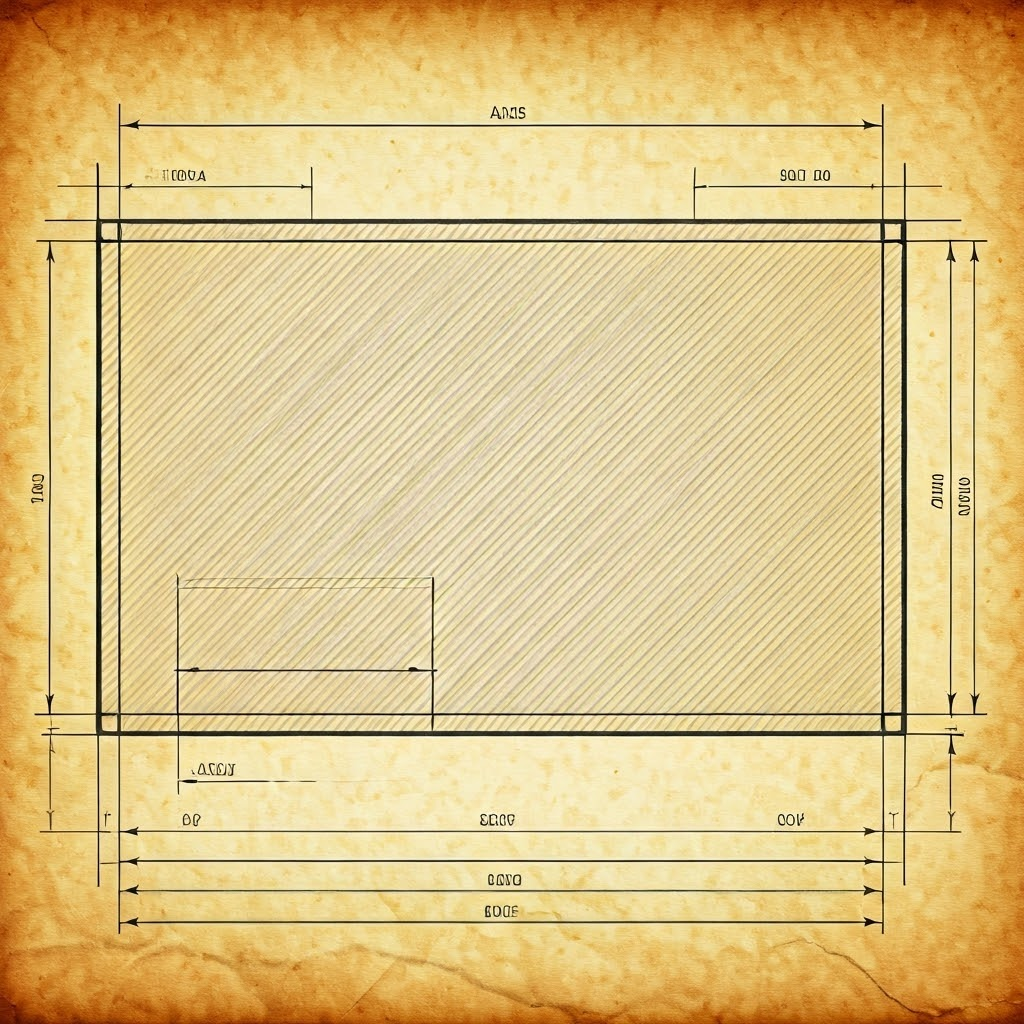
Think of a Figure as a blank page. Inside it, each Axes holds one plot. A scatter next to a histogram means two Axes in the same Figure. Inside every Axes live x- and y-axis rulers that give the plot scale and labels.
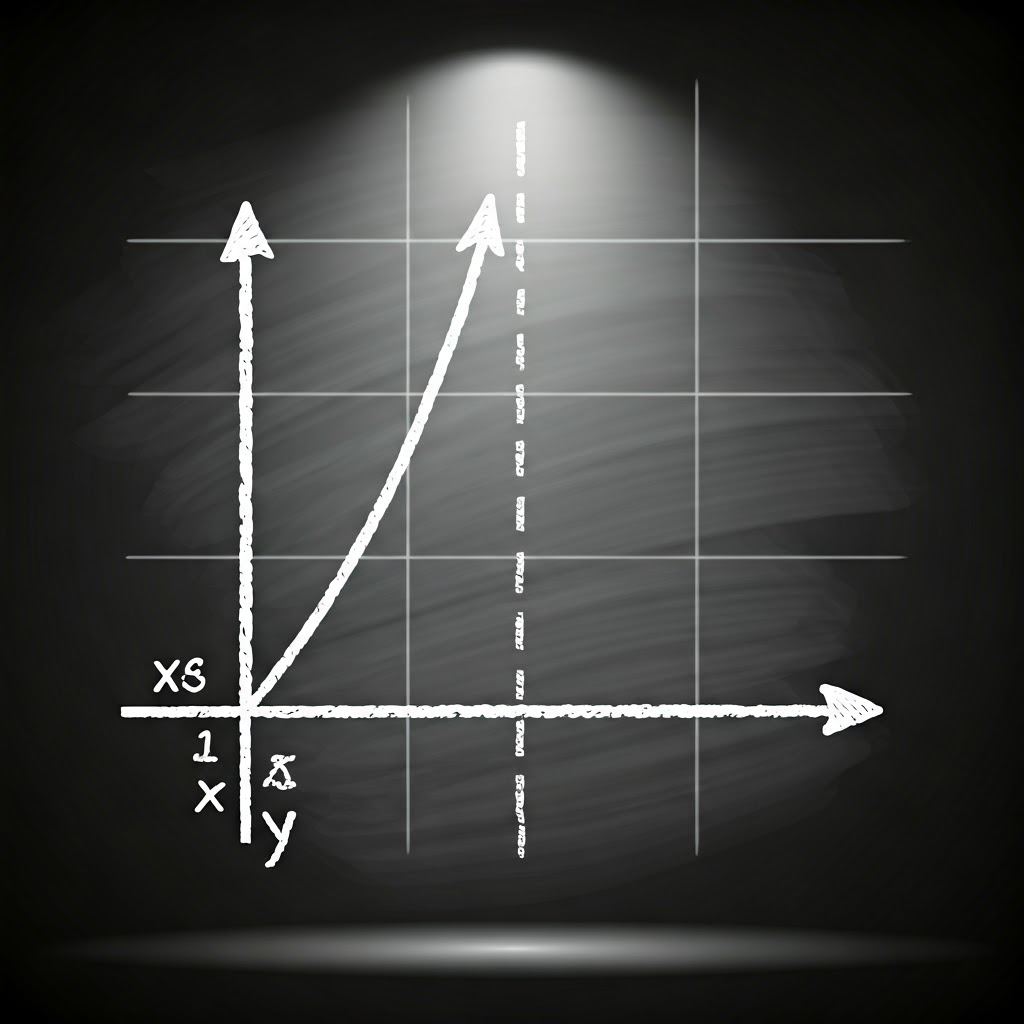
Grid lines guide the eye but should stay light. Lines, bars, or points are the real stars. Remember: one Figure can house several Axes, and each Axes owns its own axes. Keep that hierarchy clear to avoid “no axes” errors.
import matplotlib.pyplot as plt

fig, ax = plt.subplots()
ax.plot([2020, 2021, 2022], [5, 6, 7])
ax.set_title("Steady Growth")
ax.set_xlabel("Year")
ax.set_ylabel("Value")
plt.show()

Titles, Labels, Legends, and Annotations: The Unsung Heroes
A chart without labels feels like a book with no title. A clear title such as “Monthly Coffee Sales, 2023” frames the story instantly. Axis labels explain units, saving viewers from guesswork.

Use a legend only when you plot more than one series. One line? Skip it. Annotations act like sticky notes that call out spikes or dips without clutter. They guide attention to the key moment.
ax.annotate("Sales drop", xy=(5, 200), xytext=(6, 220),
            arrowprops=dict(facecolor='black', shrink=0.05))

Before and after views show how labels flip confusion into clarity. Short titles, readable fonts, and light grid lines make a chart friendly. If you need more than five legend colors, consider splitting the data.

Keep fonts at least size 10, limit colors, and be honest with scales. When you respect these basics, you help everyone see what matters and set the stage for true visual clarity.
