

Make Your Work Easy to Find and Use
Writing a README That Actually Helps
A good README greets users, explains what the project does, and shows exactly how to run it. Clear answers keep visitors engaged.
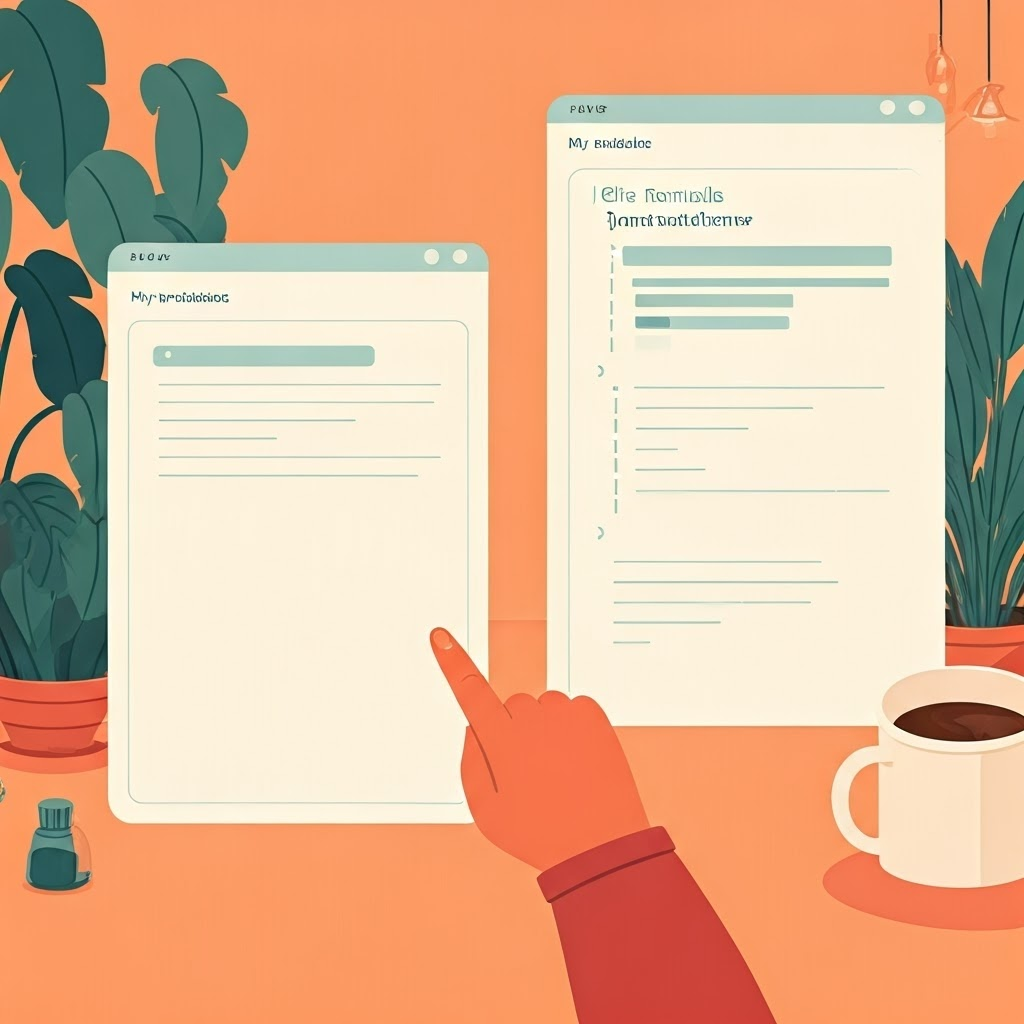
Imagine two projects. One page says “My notebook.” The other says “This project predicts New York City bike rentals from weather. Install with pip install -r requirements.txt, then run predict.py.” Users always pick the second.
Skip brag lists and exhaustive dependency dumps. Give newcomers the shortest path to running the code. Future-you will be grateful.
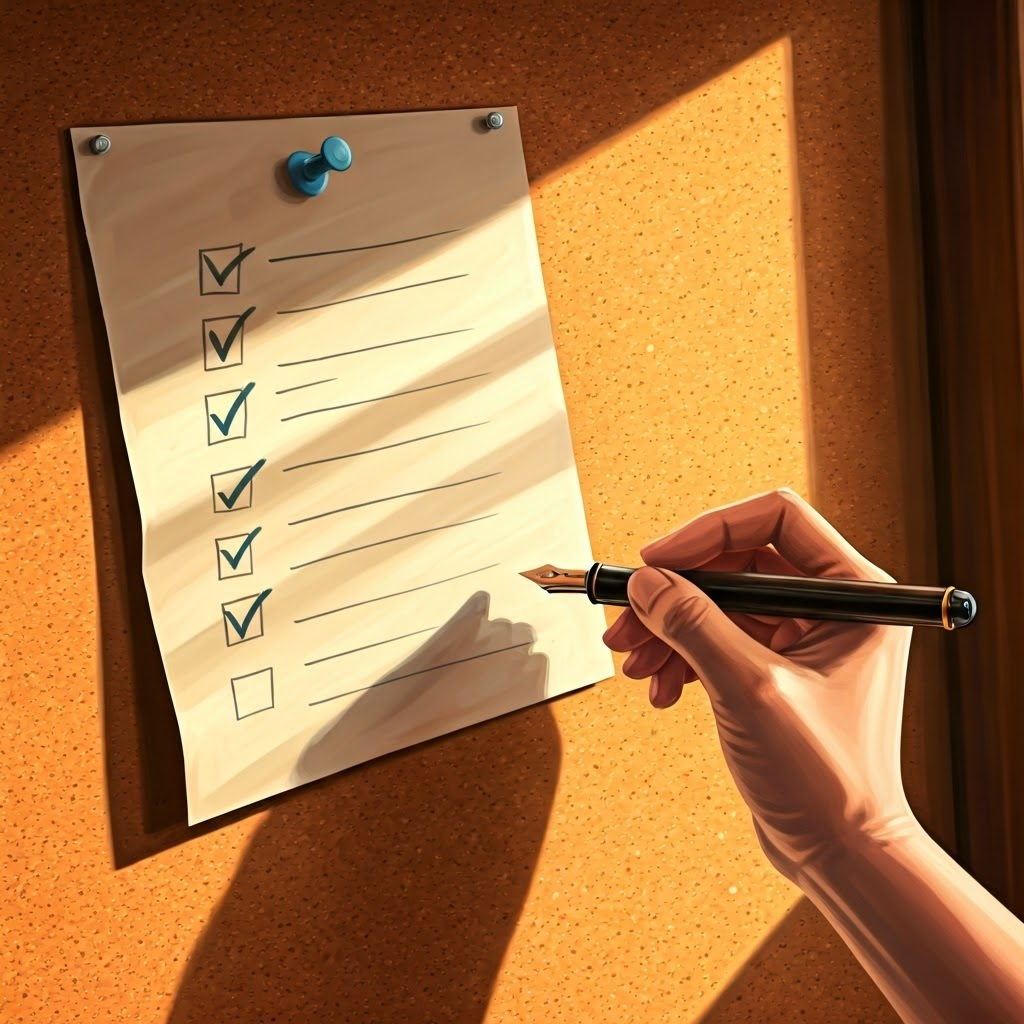
Try this checklist:
- What problem does this solve?
- How do I start?
- What files matter?
- Who can answer questions? Adding a quick note on contributions or bug reports finishes things nicely.

Getting Your Work on GitHub
Why Version Control Matters
GitHub stores every change, protecting work from loss and confusion. It’s a smarter “Save As” that remembers each version.

Steps to Set Up a Repository
Create a repository on GitHub, then connect your local folder with:
git init
git remote add origin https://github.com/yourusername/yourproject.git
git add .
git commit -m "Initial commit"
git push -u origin main
Your project is now backed-up online.

Commits Are Bread Crumbs
Each commit needs a clear, honest message—“Add data-cleaning notebook,” not “update.” Good notes guide teammates and future you.
Common Mistakes to Watch For
Don’t push large data, secrets, or empty messages. Use cloud storage, .gitignore, and review staged files before committing.
Picking the Right License
Why Open-Source Licenses Matter
A license tells others how they may use your work. Without one, all rights stay locked.
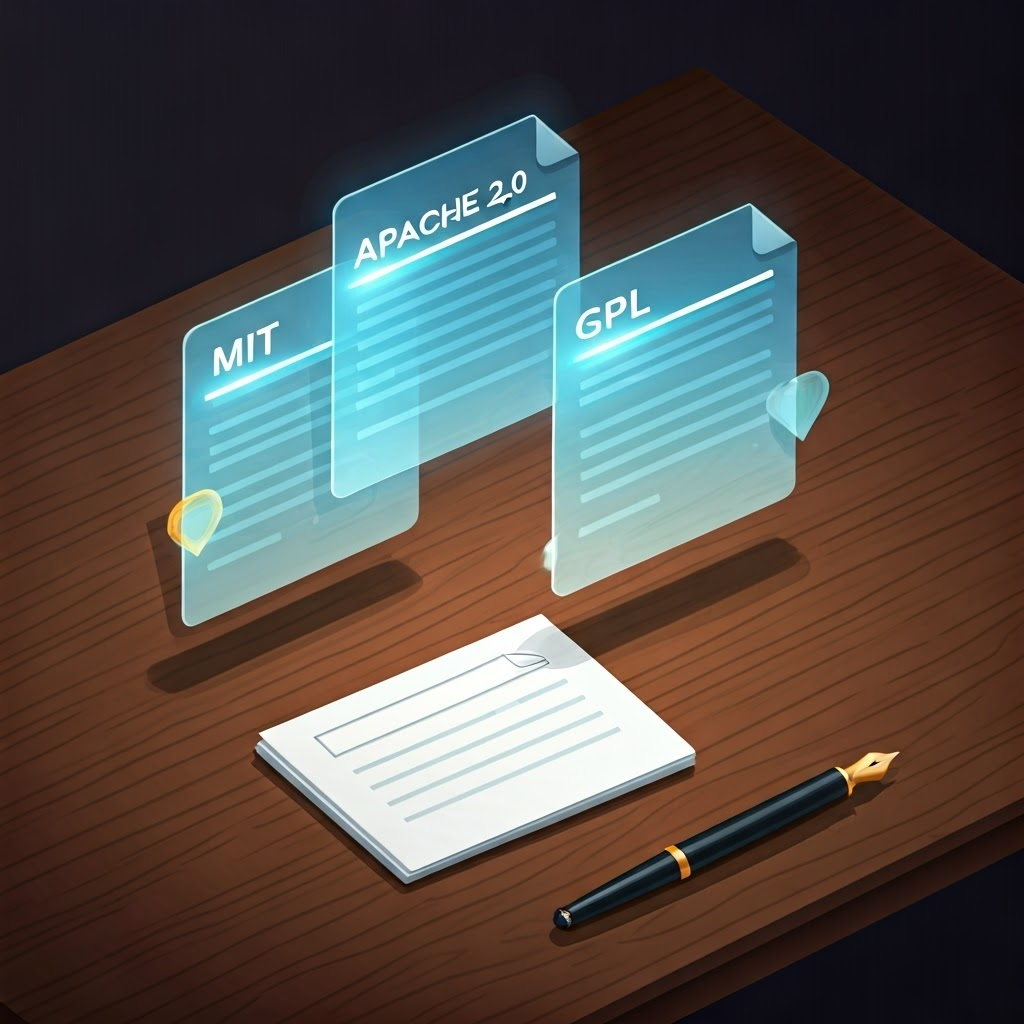
Comparing the Big Licenses
- MIT: Do anything, just credit you.
- Apache 2.0: Like MIT plus patent clarity.
- GPL: Share improvements under the same terms. Most data projects choose MIT or Apache 2.0; pick GPL if you need all changes to remain open.

Adding a License to Your Project
Drop a LICENSE file in your repo and paste the text. Link it in the README so everyone sees it.
The Takeaway
A clear README, tidy commits, organized files, and a friendly license turn a private project into a resource others—and future you—can quickly reuse.
