16 min read  •  14 min listen

Serving the Web

What Happens After You Hit Deploy? A Beginner’s Guide to the Other Side of the Request.

Serving the Web

AI-Generated

April 28, 2025

Ever wondered what happens after you hit 'deploy'? Peek behind the curtain and see how your code actually gets served to the world. From the basics of web servers to the quirks of hosting and the magic of CDNs, this tome gives you the real story of what powers the web you use every day.


Meet the Gatekeepers: Web Servers and How They Work

A futuristic café scene where patrons interact with holographic menus, illustrating human-AI collaboration

You can picture a busy café. A customer orders, a server relays the request, and the kitchen prepares the meal. A web server performs the same clear task between your browser and the website’s files.

Minimalist illustration of a smartphone linked by glowing cables to a server rack, emphasizing fast data flow

The internet runs on requests and responses. Your device asks for a page, image, or video. The web server answers quickly and accurately. Without it, your browser would knock on a silent digital door.

Playful cartoon robot directing glowing file icons through a secure gateway, showing traffic management

Web servers do more than route traffic. They enforce security rules and even process online purchases. They quietly juggle many users so each click feels instant.

Whimsical café scene with four distinct server characters, each showing a unique data-serving style

The Big Four: Apache, Nginx, Caddy, and LiteSpeed

Oil-painting portrait of a seasoned barista adjusting an antique coffee machine, symbolizing reliability

Apache is the dependable veteran. It runs almost anywhere and lets you tweak every detail, though heavy traffic can slow it down.

Dynamic courier sprinting through a neon city with data packets, representing speed and efficiency

Nginx excels at handling many simultaneous connections. It serves static files quickly and often acts as a reverse proxy for complex tasks.

Caddy favors smart defaults. It sets up HTTPS automatically, making modern security simple for small projects.

High-tech CGI render of a glowing machine in a data center, highlighting specialized performance

LiteSpeed targets high-traffic sites. Hosting companies like it because it replaces Apache with far better speed under stress.

In short, Apache offers flexibility, Nginx brings efficiency, Caddy delivers simplicity, and LiteSpeed focuses on sheer performance.

Robot manager at a café front desk monitoring guest tickets, symbolizing request handling

How a Web Server Handles Requests

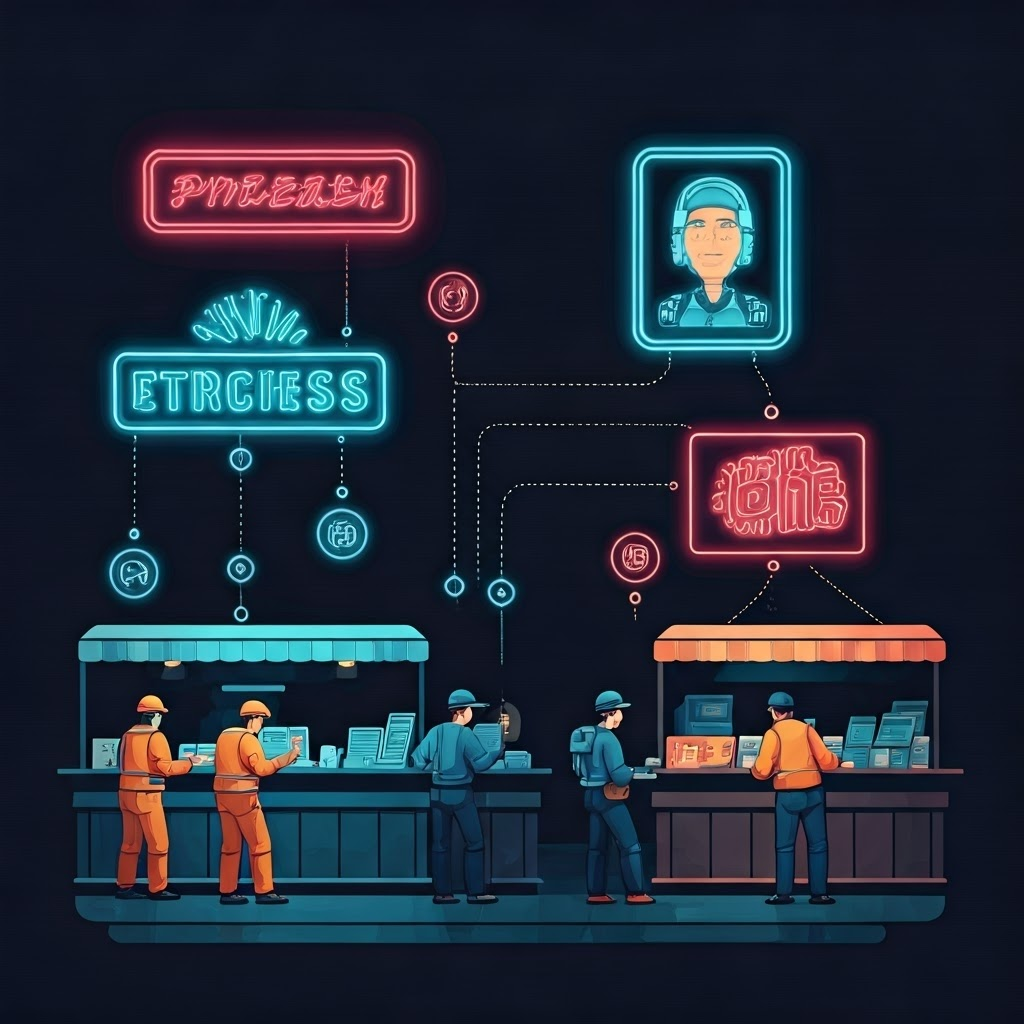
Infographic-style image of workers under neon signs processing tasks, showing thread and process models

When your click arrives, the main program—often called httpd—assigns a worker. Apache may spin up separate processes or lightweight threads. Nginx keeps a few processes but lets each manage thousands of connections. Caddy and LiteSpeed also use efficient worker pools.

Calm café workspace being cleaned by a robot, reflecting post-request cleanup

The worker checks permissions, fetches the needed file, or calls another program for custom data. After replying, it resets for the next request. Too few workers mean slow service, so the model matters.

Split image of vending machine and deli counter illustrating static versus dynamic content

Static vs. Dynamic: What Are You Really Serving?

Static files change rarely, like snacks from a vending machine. Dynamic content is prepared on demand, like a fresh sandwich. The web server may call PHP, Python, or Node.js to build these custom responses.

Steampunk cookbots on conveyors making custom sandwiches, comparing CGI and FastCGI

Early CGI started a new process per request—simple but slow. FastCGI keeps ready workers, cutting wait times and handling more users gracefully.

Reception robot directing avatars to different server wings, visualizing reverse proxy routing

A reverse proxy sits up front, passing heavy tasks to specialized back-end servers. Nginx and Caddy shine here by combining front-end speed with back-end flexibility.

Balancing static and dynamic content—and choosing CGI, FastCGI, or proxies wisely—keeps sites fast and reliable.

Epic scene of server characters conducting a symphony of web pages and network paths

The Big Picture

Every website—from a tiny blog to a global platform—depends on these tools. Think of servers as staff, files as meals, and requests as orders. When you hit refresh, a well-orchestrated team ensures your page appears without fuss.


Tome Genius

The Internet & Web Technologies

Part 8

Tome Genius

Cookie Consent Preference Center

When you visit any of our websites, it may store or retrieve information on your browser, mostly in the form of cookies. This information might be about you, your preferences, or your device and is mostly used to make the site work as you expect it to. The information does not usually directly identify you, but it can give you a more personalized experience. Because we respect your right to privacy, you can choose not to allow some types of cookies. Click on the different category headings to find out more and manage your preferences. Please note, blocking some types of cookies may impact your experience of the site and the services we are able to offer. Privacy Policy.
Manage consent preferences
Strictly necessary cookies
Performance cookies
Functional cookies
Targeting cookies

By clicking “Accept all cookies”, you agree Tome Genius can store cookies on your device and disclose information in accordance with our Privacy Policy.

00:00