
The Privacy Playbook: Principles and Pitfalls

Privacy feels like the curtains on your bedroom window. You might not be doing anything unusual, yet you close them because you deserve a space that’s just yours. Privacy isn’t about hiding wrongdoing. It’s about ownership—your life, your choices, and the story you decide to share.
Imagine every text, late-night search, or playlist becoming public. Most of us would feel uneasy. Think about shopping: do you want every store to remember and sell your entire browsing history? Probably not. That discomfort shows why privacy matters, even when you believe you have nothing to hide.

Privacy offers freedom from unwanted judgment, manipulation, and risk. Without it, others can twist your actions out of context—advertisers, employers, scammers. What feels harmless today may become sensitive tomorrow. Small details, when stitched together, can reveal almost anything about you.

Companies often collect data for one reason and reuse it for another. Lose control once, and your digital self drifts. That’s why privacy matters for everyone, every day.
The Big Three: Data Minimization, Purpose Limitation, and Transparency
Let’s break down three essential principles of good digital privacy. Data minimization means a service should take only what it truly needs—less data, less risk.

Picture a coffee shop that wants your address and job for free Wi-Fi. Extra fields equal extra danger. Skip or challenge requests that don’t add up.
Purpose limitation says your data must serve only the task you agreed to.

Hand a store your phone number for delivery, then receive sales calls? They ignored purpose limitation. If a company wants a new use later, it should ask again.
Transparency demands honest, clear language about data practices.
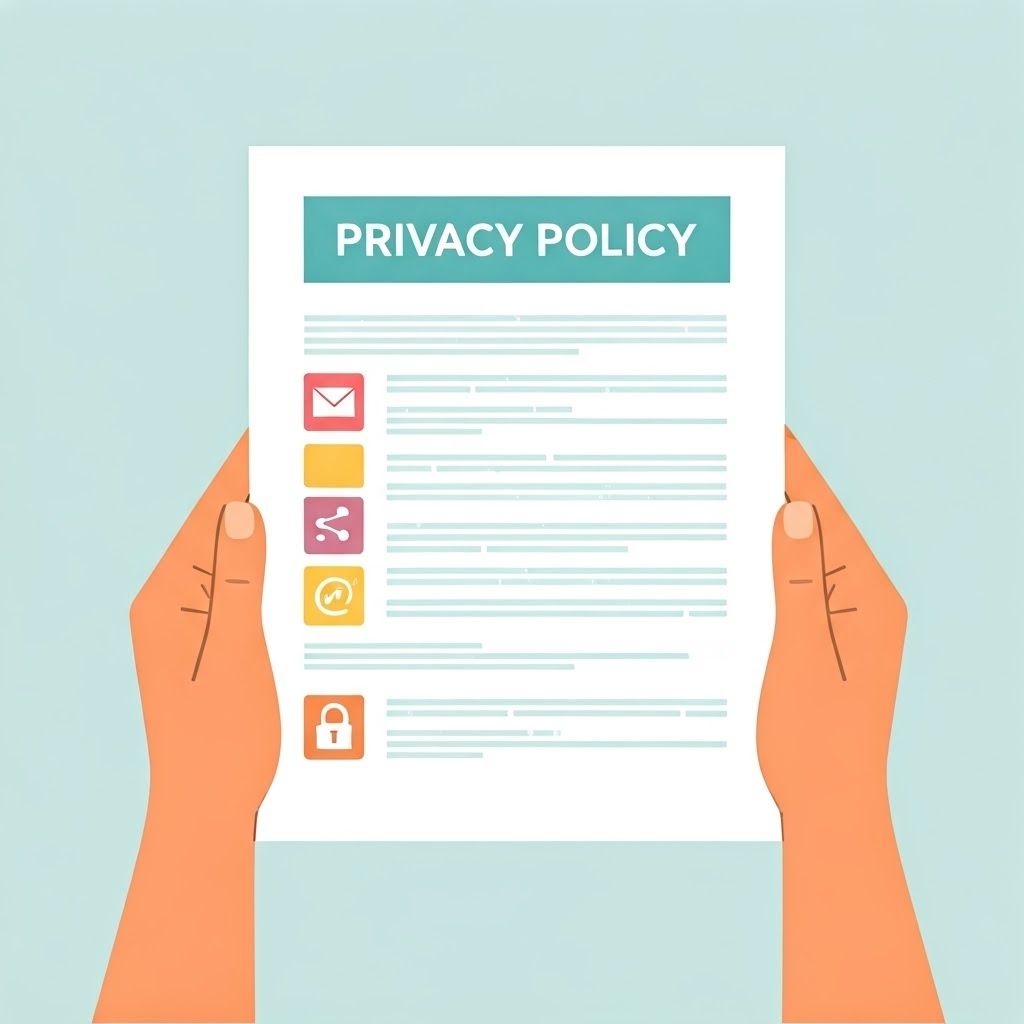
A transparent service plainly states: “We collect your email for order updates and share it with no one.” It explains changes, lets you review settings, and keeps jargon minimal.

These principles reinforce one another. When a service gathers only what it needs, uses it as promised, and communicates clearly, you can trust it more.

Spotting Privacy Pitfalls: What Could Go Wrong?
Most privacy mistakes happen because it’s easy to click “accept,” overshare, or reuse weak passwords. Shortcuts create risk. Here are common traps and ways to dodge them:
- Oversharing: A quick selfie can reveal location, habits, or vacation plans—use discretion.
- Weak passwords: Avoid “password” or “123456.” Use unique, strong passwords and a manager.

- Ignoring settings: Explore privacy options under “Privacy,” “Security,” or “Account.”
- Trusting shady apps: If a flashlight app wants contacts, skip it.
- Skipping notices: Even short summaries can reveal data-sharing red flags.

Quick checklist for staying safe:
- Does the service request only necessary data?
- Does it explain why it needs each detail?
- Can you easily adjust privacy settings?
- Do you control who sees your posts?
- Is every password strong and unique?
The Power Is (Still Mostly) in Your Hands
Real privacy needs attention, not paranoia. By focusing on data minimization, purpose limitation, and transparency, you stay in control. Pause before clicking, question odd requests, and strengthen passwords. Treat personal information like house keys, and you build a safer digital life—on your terms.
