16 min read  •  9 min listen

Passwords & Authentication

How to Prove You’re You (and Keep Hackers Out)

Passwords & Authentication

AI-Generated

April 28, 2025

Ever wondered how hackers break into accounts—or how you can stop them? This tome shows you the tricks, traps, and tools of online authentication, so you can lock down your digital life with confidence. Get ready to outsmart the bad guys, one login at a time.


Why Passwords Fail (and What Hackers Know)

Young adult at a desk, surrounded by floating app icons that represent many online accounts and suggest personal password choices.

You probably have more online accounts than you can count—banking, email, streaming, shopping, maybe even that pizza place down the street. For each site, one thing guards your private info: a password.

Most people choose easy passwords because the brain remembers simple, familiar, or personal details. Names, birthdays, or “password123” feel handy, yet they’re just as handy for attackers.
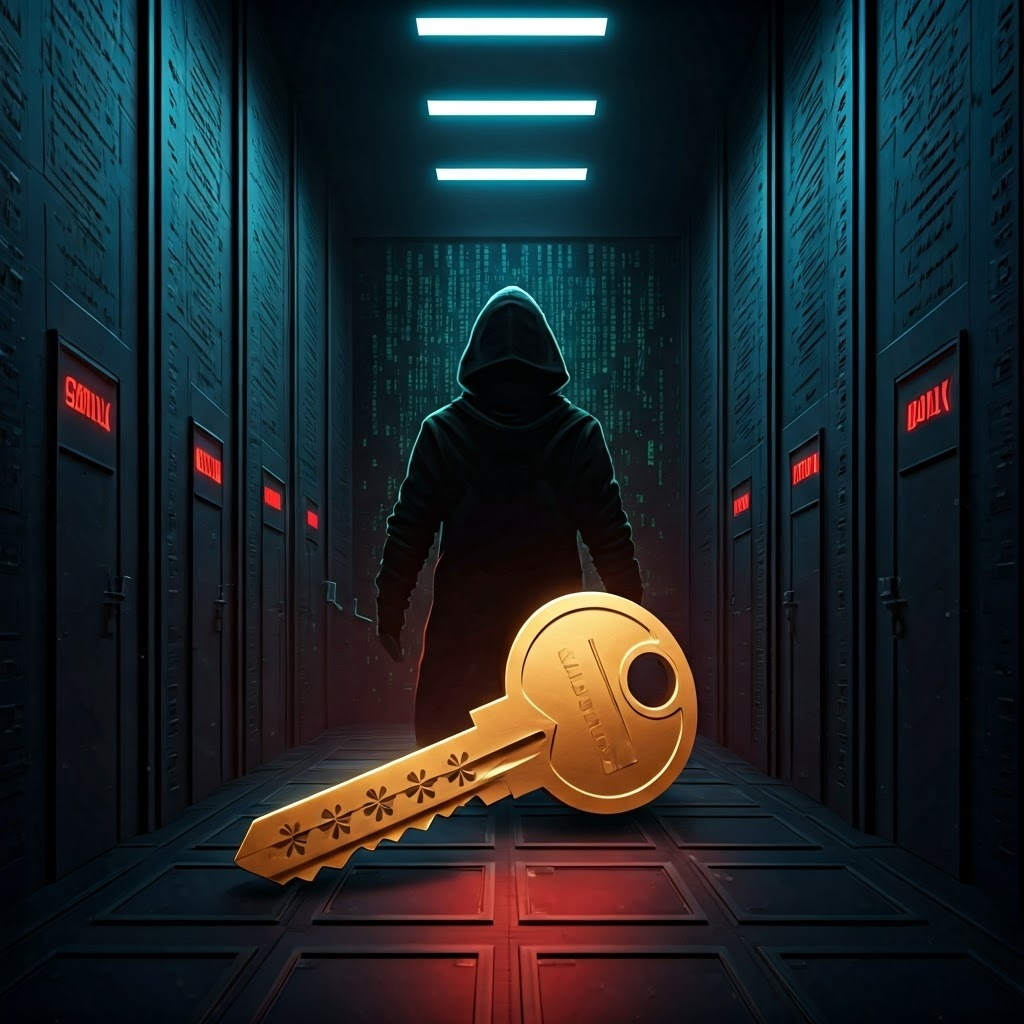
A glowing key opens several labeled digital doors while a hacker’s silhouette lurks in the background, showing the risk of one password for many accounts.

Using the same password everywhere feels convenient, but one breach hands attackers the master key. Password reuse is like one key for house, car, and office—lose it once, and everything is exposed.

The 2012 LinkedIn hack proved it. Attackers grabbed weak entries like “123456” then tried them on banks and email. Reuse turns one leak into many.

Dim underground room with servers glowing green while a shadowy figure runs automated tools that scroll through huge password lists.

How Hackers Crack Passwords

Hackers rarely guess by hand. Their tools run at scale through brute force, dictionary attacks, or credential stuffing.

Split scene: a machine hammers every letter combo while an open book spills common words, both streams breaking into a vault.

A brute-force attack tries every option. Six lowercase letters mean 26626^6266 combos—a modern PC burns through that in minutes.

Dictionary attacks start with common picks like “spring2024” or tweaks such as “p@ssw0rd.” Tools like Hashcat test those variants automatically.
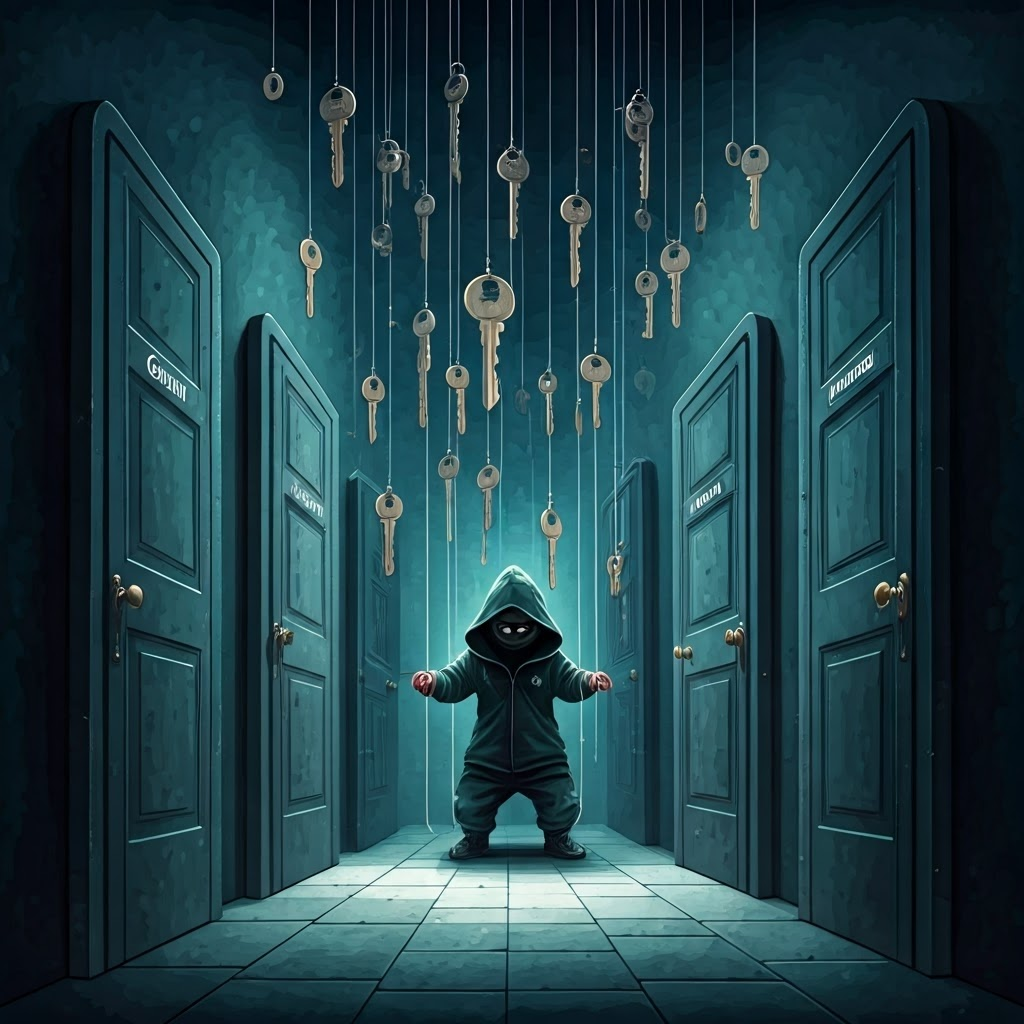
Silver keys tagged with usernames rain onto doors labeled Gmail, Amazon, Facebook while a masked puppeteer pulls strings.

Credential Stuffing

After a breach, attackers feed stolen pairs into other sites. Because many users repeat logins, this automated sweep often succeeds.
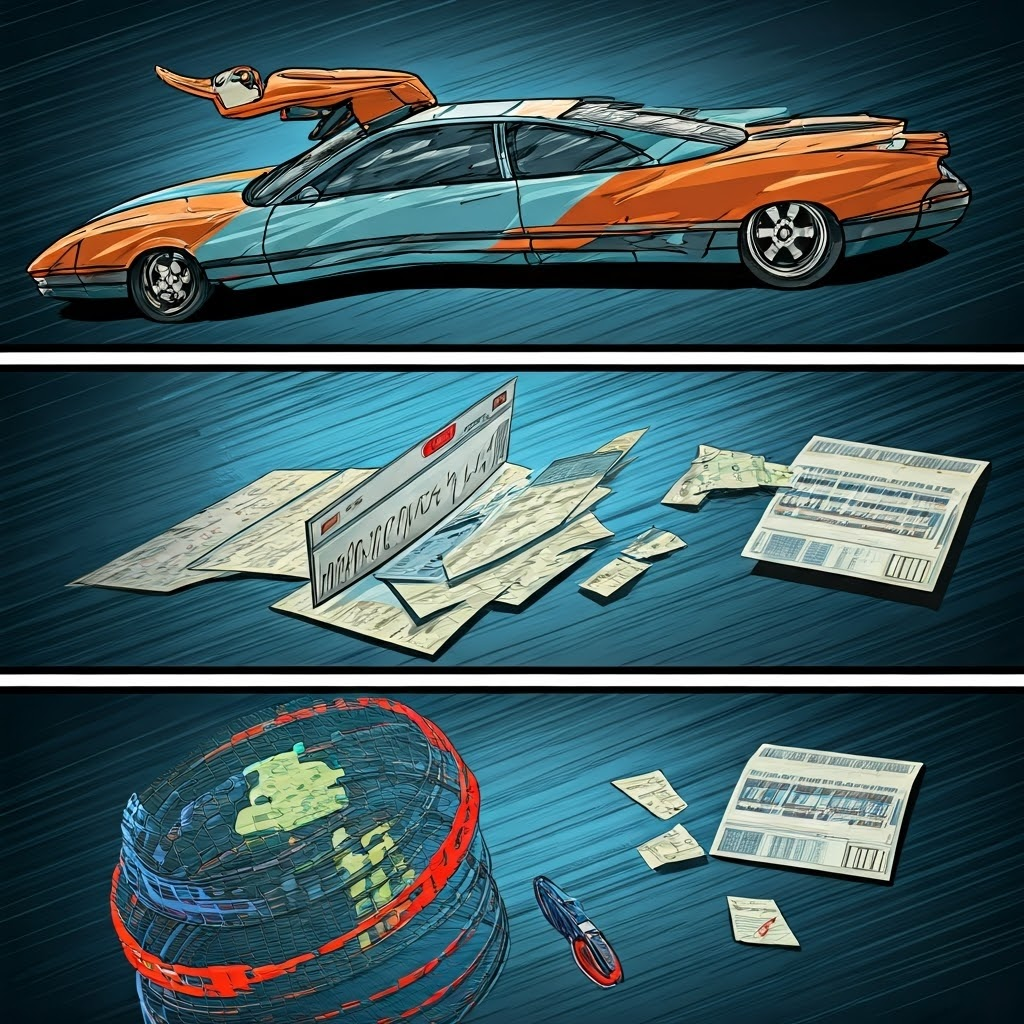
Three comic frames: a leaked forum password, an inbox flooding with alerts, and a bank balance spinning out of control.

Real-World Example

Suppose your universal password is “mustang2020.” A minor forum leak spreads it to Gmail, Amazon, and Facebook. Purchases appear, friends get spammed, and you never saw a movie-style hack—just quick automation.

Fortress made of colorful puzzle pieces shaped like letters, numbers, and symbols while shadowy figures fail to breach.

What Makes a Password Strong

A strong password is unpredictable for both people and computers. High entropy slows attacks.

Galaxy of glowing characters spiraling outward with equations floating nearby, symbolizing password entropy.

Entropy, Length, and Complexity

Entropy rises with length and variety. Six lowercase letters give 308 million combos. Twelve mixed characters jump into trillions. Every added character multiplies protection.
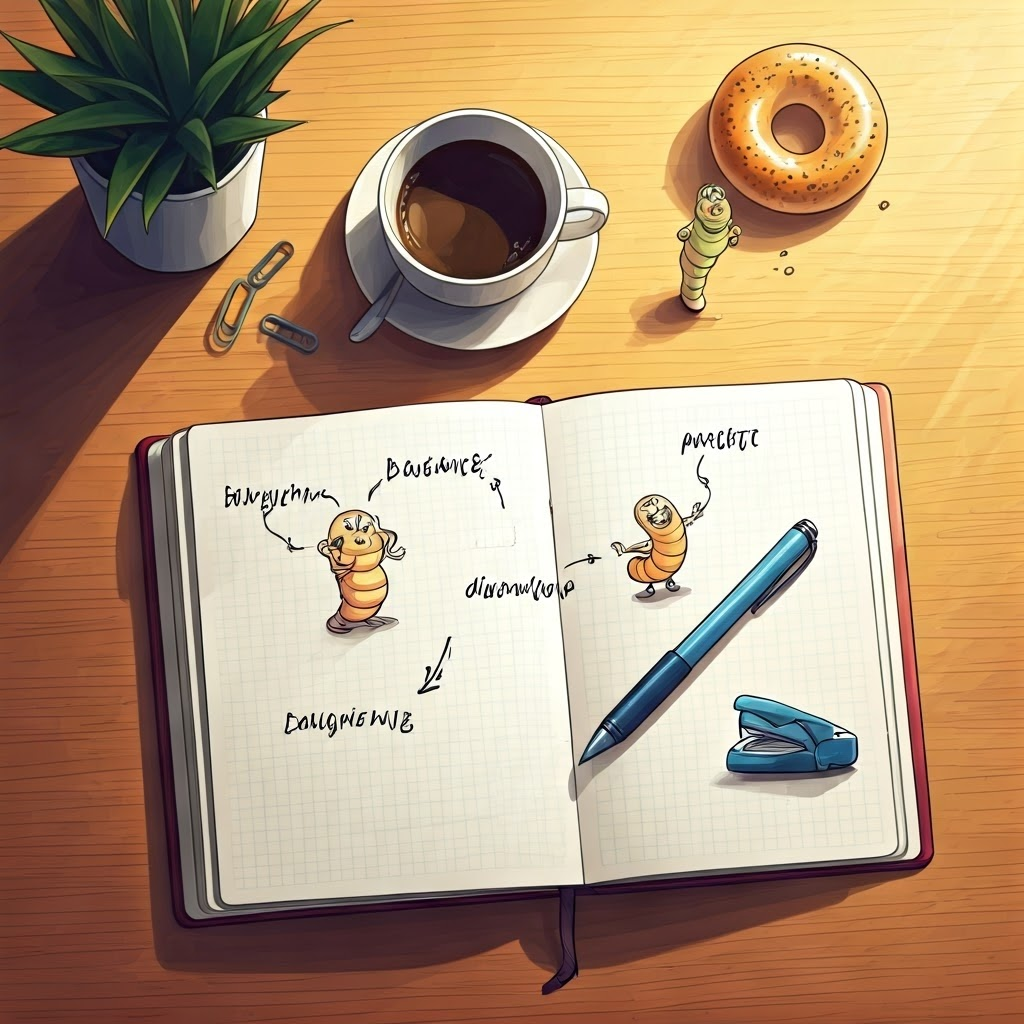
Notebook shows four random words linked by arrows beside a coffee and bagel, suggesting memorable pass-phrases.

Practical Tips and Examples

Create passwords at least 12–16 characters long. Combine unrelated words you won’t forget. Avoid lists of common passwords.

“CorrectHorseBatteryStaple” beats “J9$#tL2e.” Try “CoffeeBagelDanceWorm”—easy to recall, brutal to crack.

Use a unique password for every important account. A password manager can generate and store them so you don’t have to.

Smiling reader picks words from a book while shield icons float around, showing safe habits replacing stormy clouds.

Quick Exercise

Open any book, choose four random words from different pages, join them, and add a small twist if you like. You just built a high-entropy password that’s simple to remember.

Why It All Matters

One weak password invites trouble. By knowing how attackers work and choosing long, unique phrases for every site, you become a tougher target. Real hackers rely on common mistakes—don’t give them that chance.


Tome Genius

Defending the Digital Frontier

Part 3

Tome Genius

Cookie Consent Preference Center

When you visit any of our websites, it may store or retrieve information on your browser, mostly in the form of cookies. This information might be about you, your preferences, or your device and is mostly used to make the site work as you expect it to. The information does not usually directly identify you, but it can give you a more personalized experience. Because we respect your right to privacy, you can choose not to allow some types of cookies. Click on the different category headings to find out more and manage your preferences. Please note, blocking some types of cookies may impact your experience of the site and the services we are able to offer. Privacy Policy.
Manage consent preferences
Strictly necessary cookies
Performance cookies
Functional cookies
Targeting cookies

By clicking “Accept all cookies”, you agree Tome Genius can store cookies on your device and disclose information in accordance with our Privacy Policy.

00:00