
Your Pocket-Sized Computer: How Safe Is It, Really?

What Makes Your Phone a Target?
Your phone quietly gathers nearly everything about you maps, passwords, chats, photos, and even health stats. That single trove makes it a prize for thieves who can steal or clone the device and act in your name.
Roughly 1 in 10 smartphone owners has faced malware, phishing, or an account takeover. Hackers sell bank logins, contact lists, and photos on dark-web markets, so nobody is “too small” to target.

iOS vs Android: Security Showdown
Apple uses a tightly controlled walled-garden model. Apps come only from its store, each runs in a sandbox, and updates arrive fast for nearly all devices.
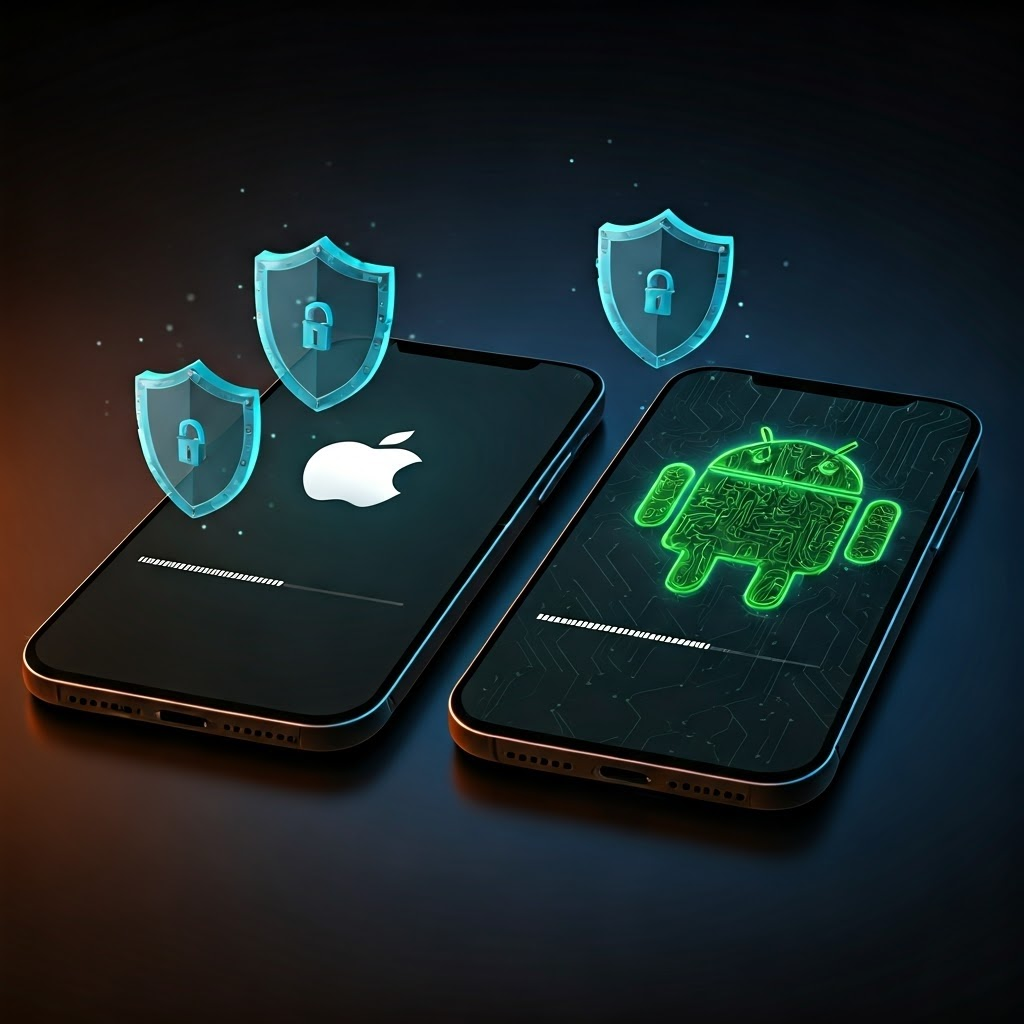
Android offers more freedom to sideload apps and customize software. That openness lets many makers tweak the system, so update speed—and thus protection—varies. Still, Google keeps tightening rules, and recent versions borrow good ideas from Apple.
Whatever you buy, install updates as soon as they appear. Each patch closes flaws crooks already exploit.
App Stores: Gatekeepers or Open Doors?
Official stores screen apps with automated tools and human review, but a few malicious titles still sneak through or change after approval.
In 2020, attackers hid bad code in more than 100 million Google Play downloads. Sideloaded apps are even riskier—they often demand extreme permissions or carry hidden malware. Stick to trusted stores, read reviews, and avoid obvious knockoffs.
Permissions: Who Gets to Peek?
An app should request only the access it truly needs. A weather app, for instance, wants location but not your microphone.
Review permissions in Settings every couple of months. On iOS, open Privacy & Security; on Android, look under App Permissions. Newer phones let you grant access only while using the app—use that setting whenever possible.
Mobile Payments: Tap, Pay, and Stay Safe
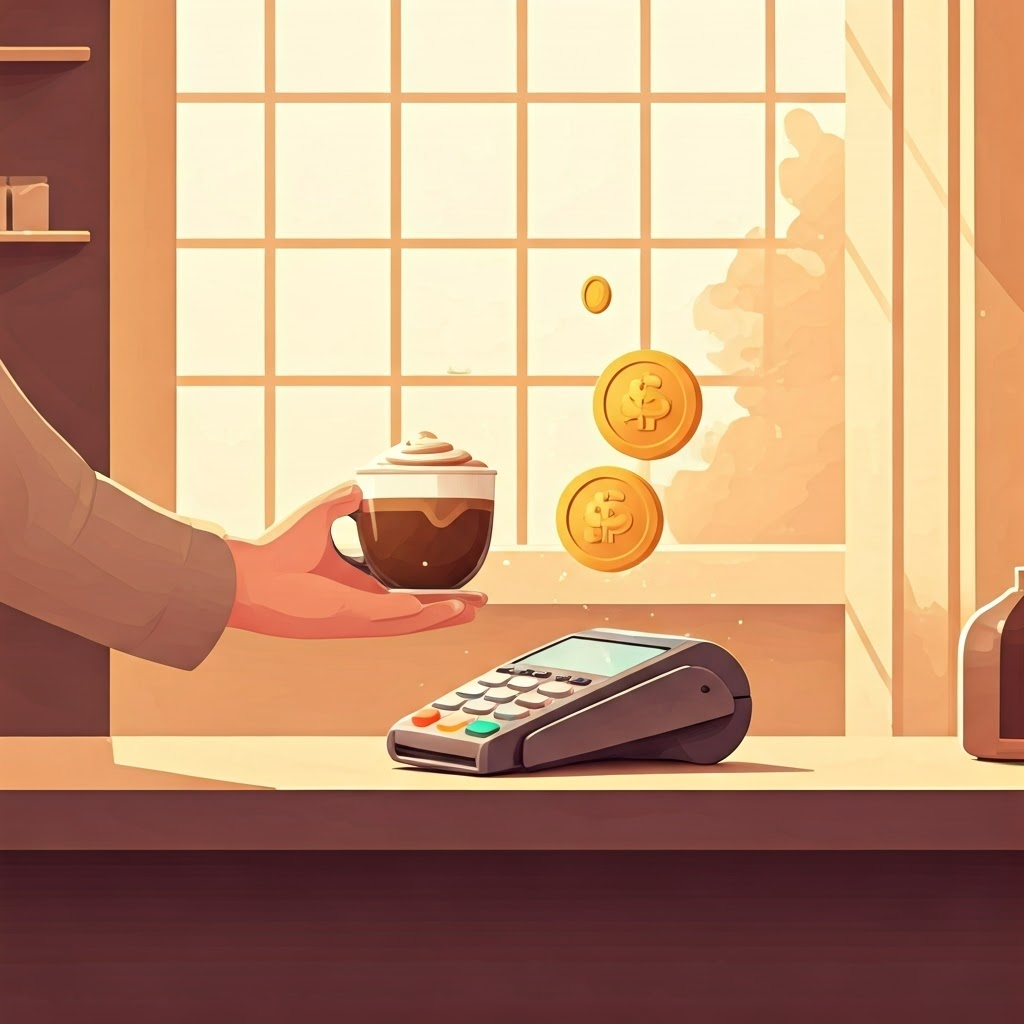
Apple Pay, Google Pay, and Samsung Pay send a single-use token instead of your real card number. Face ID, fingerprints, or a PIN confirm it’s you.
Mobile payments can be safer than plastic cards, yet basic hygiene still matters. Lock the phone, avoid public Wi-Fi for checkout, and add cards only inside the official wallet app—not via links in messages.
Lost and Found: Tracking and Wiping Your Device
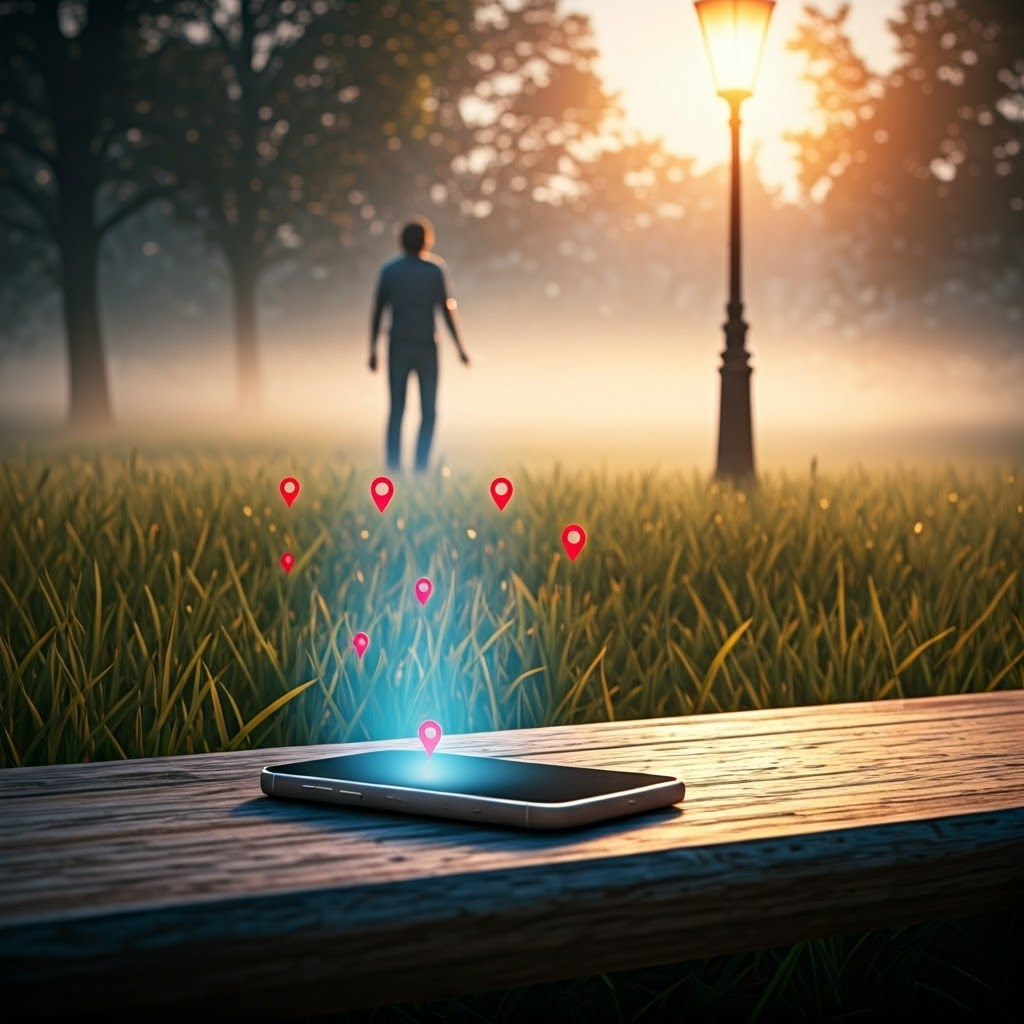
Turn on Find My iPhone or Find My Device before trouble strikes. If your phone disappears, you can locate it on a map, lock it, or erase it remotely.
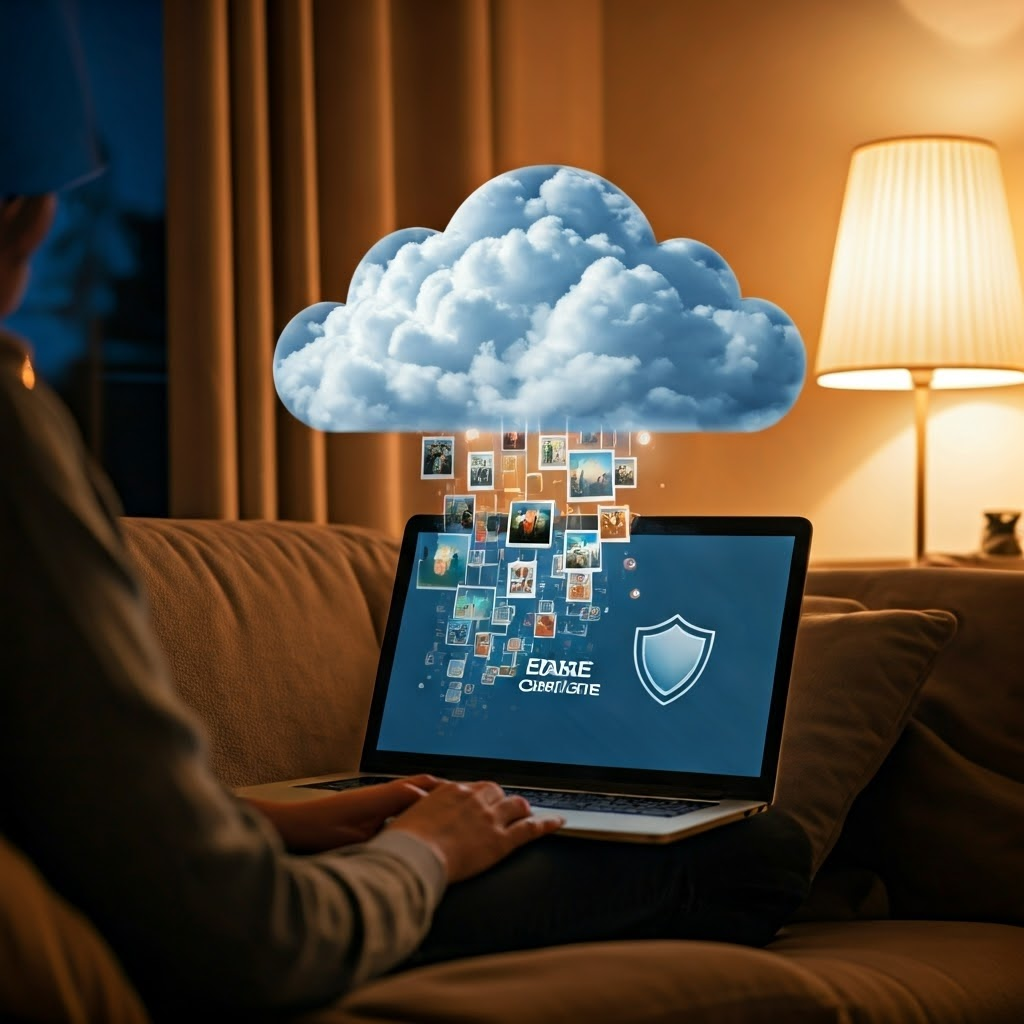
Set up cloud backups so wiping the phone won’t erase memories. Many people add a contact email or number to the lock-screen message to help honest finders return the device.
Keeping these habits in place means your pocket computer stays firmly on your side—and out of a criminal’s control.
