
Getting a Grip: The Main Tools for Virtual Play
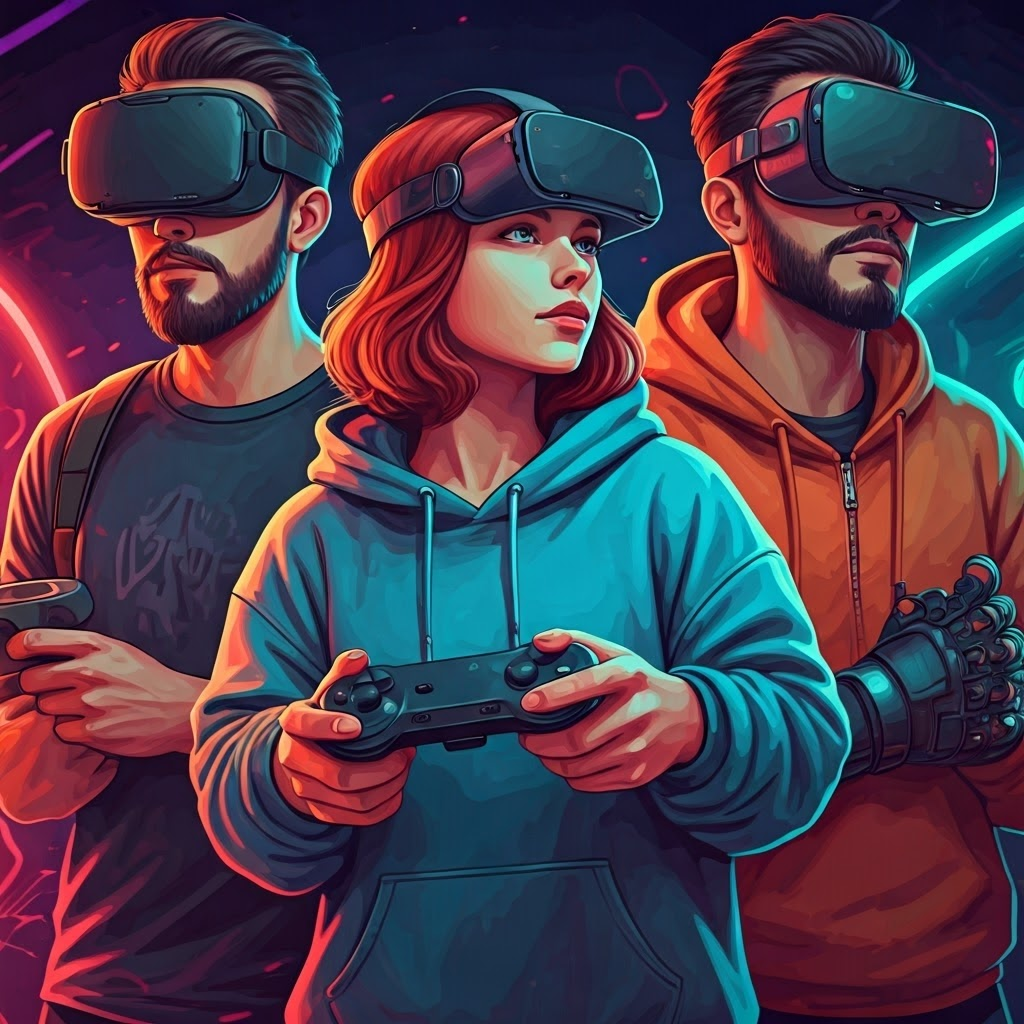
You have three primary ways to reach into a virtual world: the gamepad, the tracked wand, and the knuckles-style controller. Each device feels different and offers unique strengths and compromises.
A classic gamepad sits in both hands. Thumbs rest on joysticks and buttons while fingers grip the sides. Because many players already know this layout, it feels instantly comfortable.
In XR, a gamepad maps sticks to walking and buttons to actions. The trade-off is distance—you press symbols instead of performing motions. It can feel like watching a concert from behind glass: present yet separated.
Tracked Wand

A tracked wand looks like a remote or flashlight. Buttons, a trigger, and sometimes a touchpad let you interact. External or onboard sensors follow its position and rotation in real time.
With motion tied to your arm, swinging a sword or painting midair becomes natural. You gain richer, more physical play: archery, disc catching, or 3D sculpting.
The limitation is hardware. You still grip plastic, and gesture variety depends on what the wand detects.
Knuckles-style Controller and Interaction Fidelity
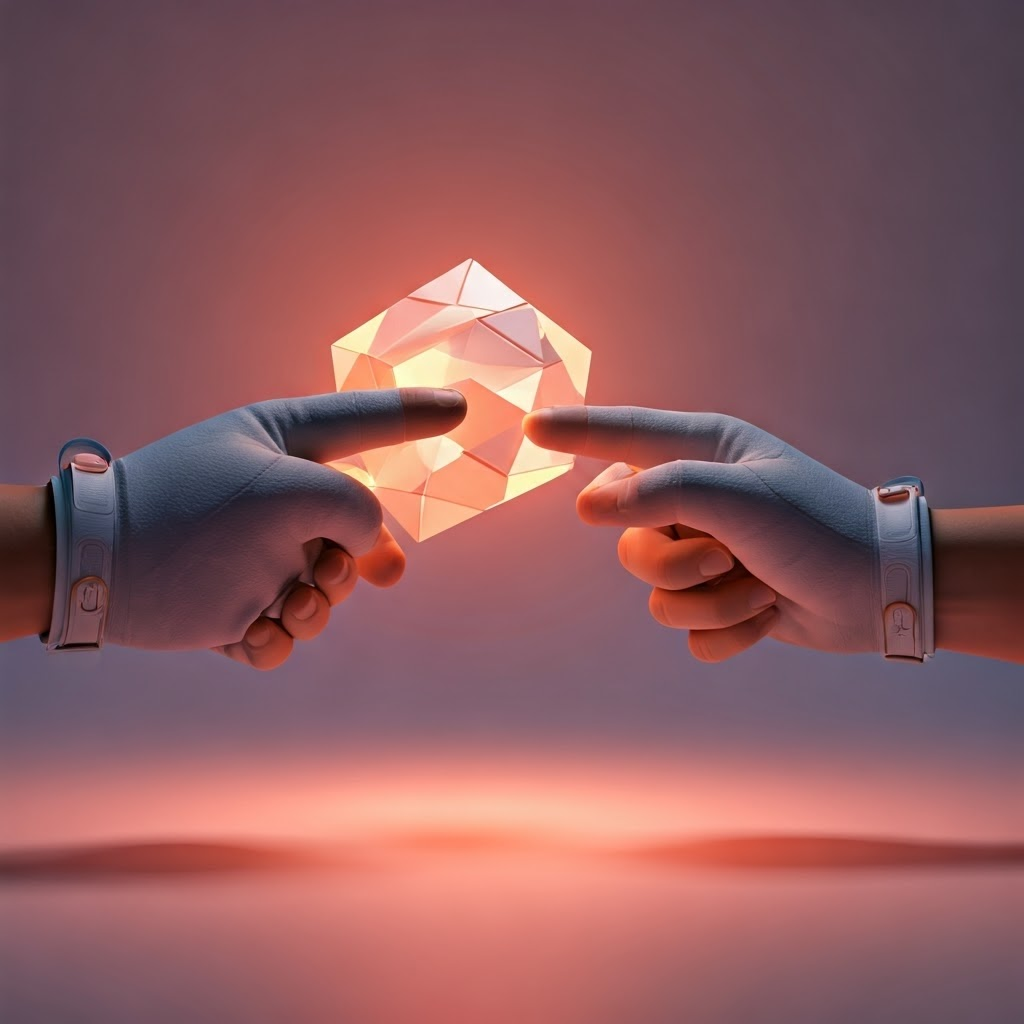
A knuckles-style controller straps to your palm and senses finger movement. Your hand can open, close, point, or fist while the device stays secured.
Because it tracks individual digits, you can virtually pick objects with fingertips or wave to friends. The sense of presence grows stronger, though you still hold hardware.
Paul Milgram called this match between real action and virtual response interaction fidelity. Higher fidelity means you stop thinking about controls and simply act.
Hand-Tracking: Your Real Hands in the Virtual World
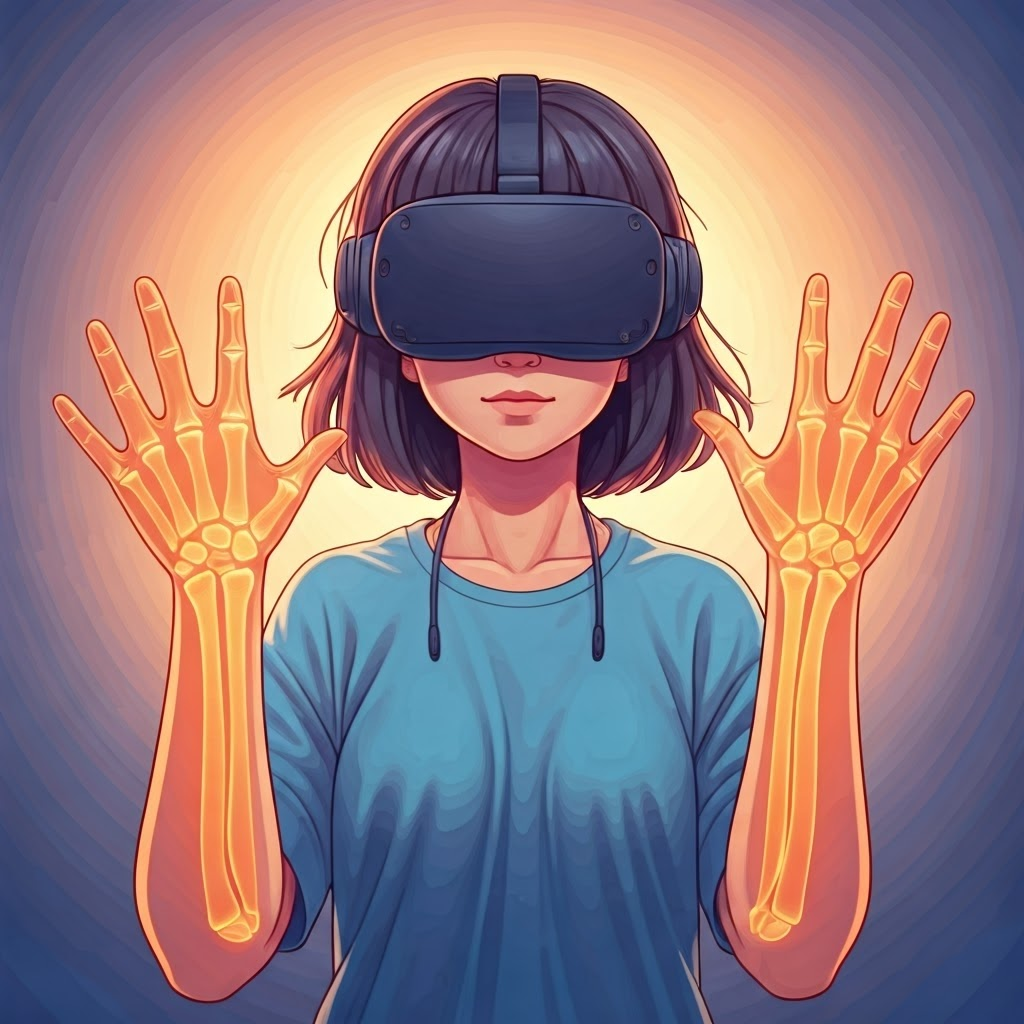
Hand-tracking removes controllers entirely. Cameras capture your hands, and software builds a live digital model.
Computer vision looks for shapes and motion. Algorithms—trained on millions of images—label thumbs, pinkies, and joint bends. Your virtual hands copy every move almost instantly.
Pinch Detection and Gestures

When you pinch thumb to index finger, the system spots that precise moment. In VR, a pinch can grab objects, draw lines, or press buttons.
Hand-tracking feels magical the first time. You wave, stack blocks, or swipe menus with nothing but skin. Yet low light, occlusion, or rapid motion can break the illusion.
Feeling Is Believing: Haptic Feedback Basics
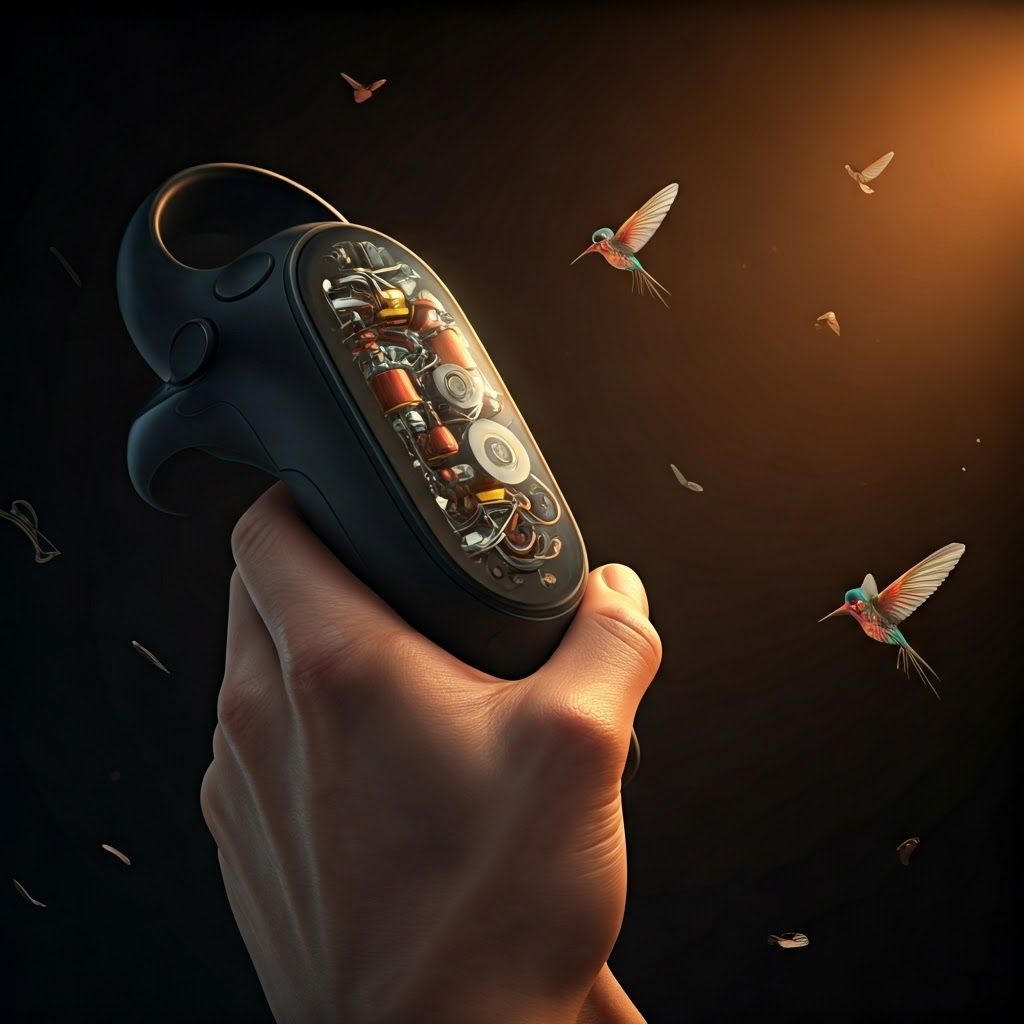
Haptic feedback recreates touch. Tiny motors vibrate, click, or rumble, giving you sensory cues when you pull a bowstring or collide with a wall.
Good haptics align sensation with action, adding immersion. Poor patterns feel random and distracting.
Advanced Haptic Designs

Knuckles controllers can squeeze your palm to simulate grip. Experimental rigs add air jets, heat, or robotic arms to push back against fingers.
Future systems aim to render virtual textures—rough stone, slick glass—without physical objects. Design teams refine vibration length, strength, and pattern so each cue feels deliberate.
Interaction Fidelity and the Illusion of Touch

Interaction fidelity matters most with touch. The closer haptics mimic real sensation, the more you forget the controller. You might even flinch when a digital ball hits your hand.
Controllers, hand-tracking, and haptics all narrow the gap between action and effect. When they blend smoothly, you truly feel present—if only for a moment—in the world behind the headset.
