
Meet the Usual Suspects: What Threats Really Look Like
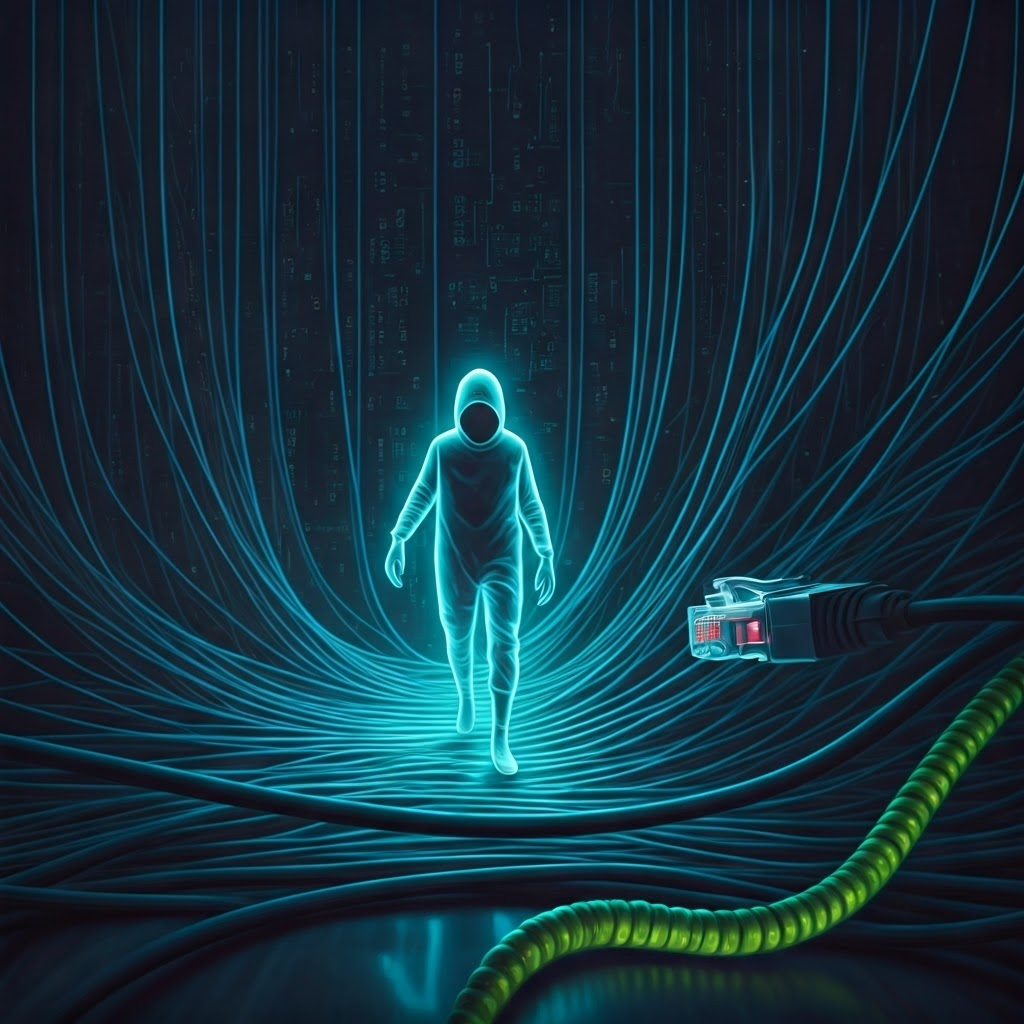
Malware: The Unwanted Guest
Malware slows your computer, spams you with pop-ups, and silently damages files. This malicious software sneaks in through shady downloads or fake emails, then spreads fast. Knowing how it acts helps you spot trouble early and stay safe.
A classic virus hides inside normal files and copies itself like an uninvited guest who keeps inviting friends. In contrast, a worm travels alone across networks. The 1988 Morris Worm showed how one fast-moving program could disrupt about 10 percent of the early internet.
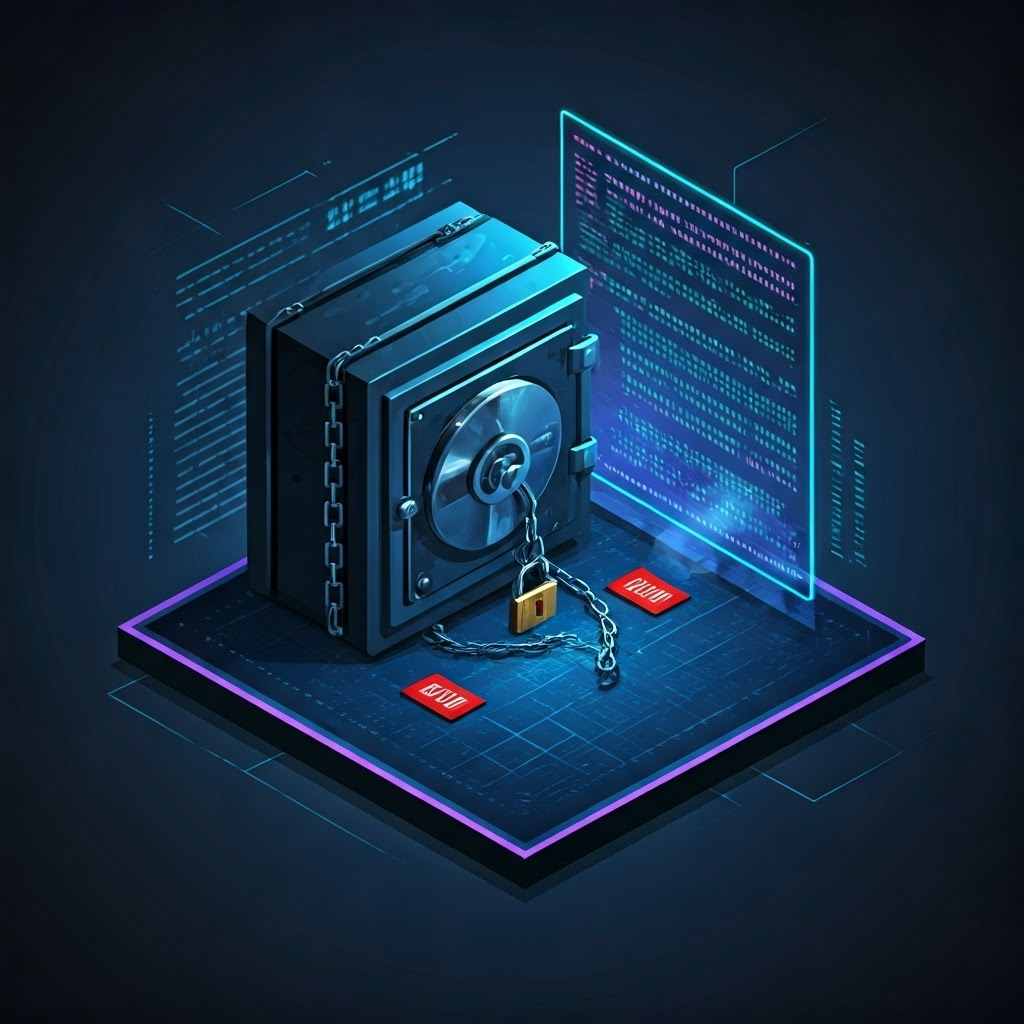
Ransomware locks your files and demands cash for the key. The 2017 WannaCry outbreak hit hospitals and banks worldwide, proving a few lines of code can cause huge pain. Spyware lurks quietly, tracking what you type and where you browse, then sells those secrets to the highest bidder.
Phishing: The Bait and the Hook
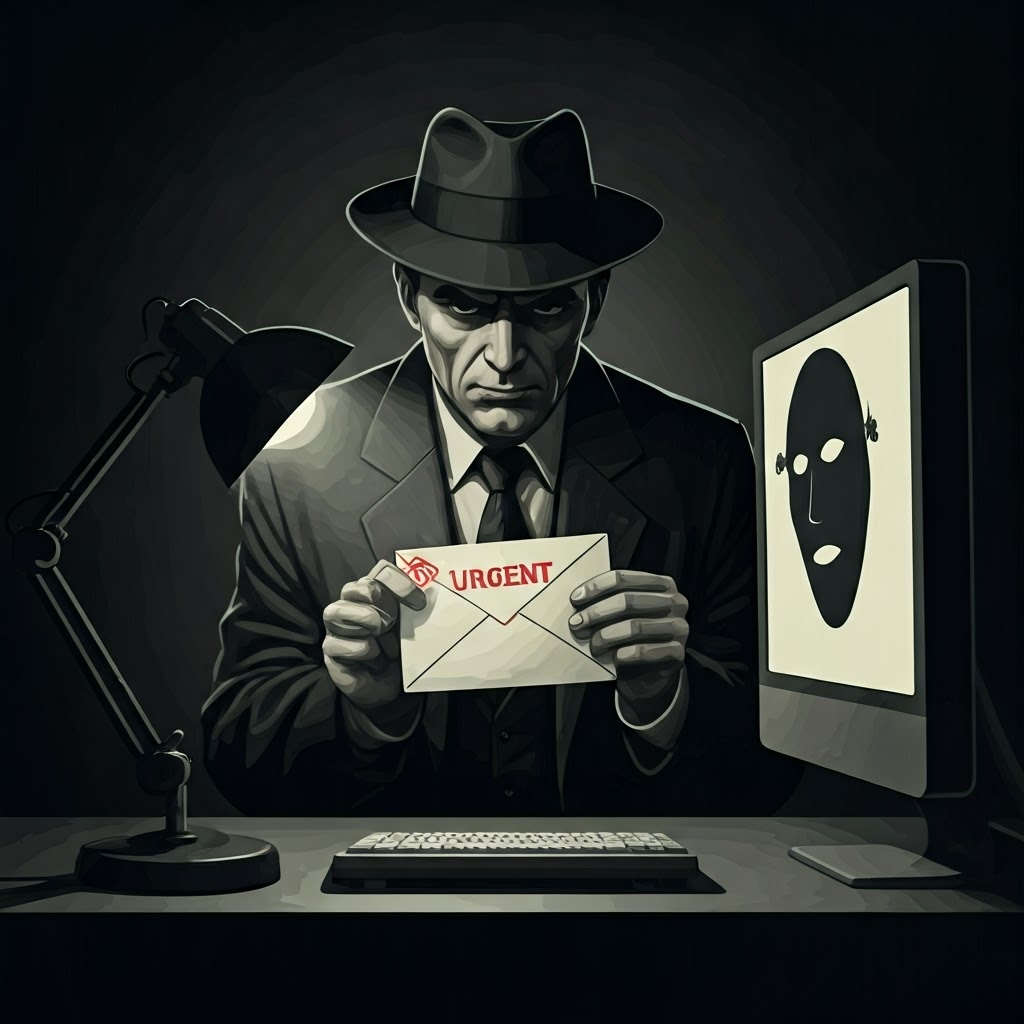
Phishing tricks you into giving up passwords by posing as someone you trust. Most messages arrive by email—“Your package is delayed, log in now.” Click, and a fake site steals your credentials. Smishing and vishing pull the same stunt through texts and calls.
John Podesta’s 2016 Gmail breach shows how one careless click can ignite a major leak. Spot scams by checking weird sender addresses, urgent wording, and requests for sensitive info. Always confirm the web address before typing a password.
Denial-of-Service: When the Lights Go Out

A denial-of-service attack overwhelms a site with traffic so real users can’t get in. When malware controls many devices at once, it becomes a distributed attack. In 2016, a DDoS on Dyn knocked Twitter, Netflix, and others offline for hours, proving disruption can be powerful even without data theft.
Insider Misuse: Trouble from Within
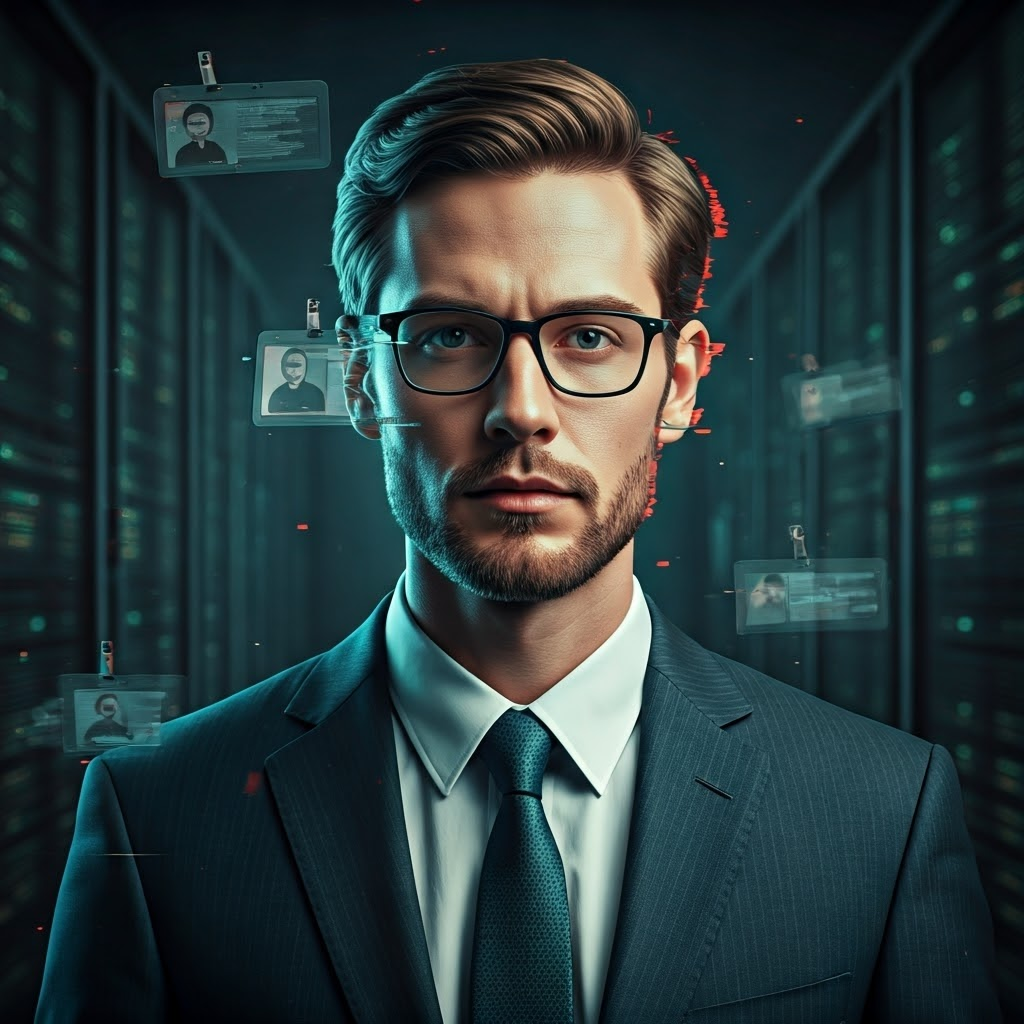
Insider threats come from employees, contractors, or partners who already have access. Motives range from frustration to bribery or simple mistakes. Edward Snowden’s NSA leaks show how a trusted insider can release vast information outsiders rarely touch.
Because insiders hold legitimate credentials, technical controls help but culture matters too. Limit access, monitor activity, and foster a workplace where people report concerns early.
Supply-Chain Attacks: The Weakest Link
Even secure companies rely on outside vendors. Attackers slip malware into trusted software or services, then wait. The 2020 SolarWinds breach spread tainted updates to thousands, including government agencies. Your defense is only as strong as the link you trust least, so vet suppliers and watch for anomalies.
Non-Human Threats: When Machines and Nature Strike
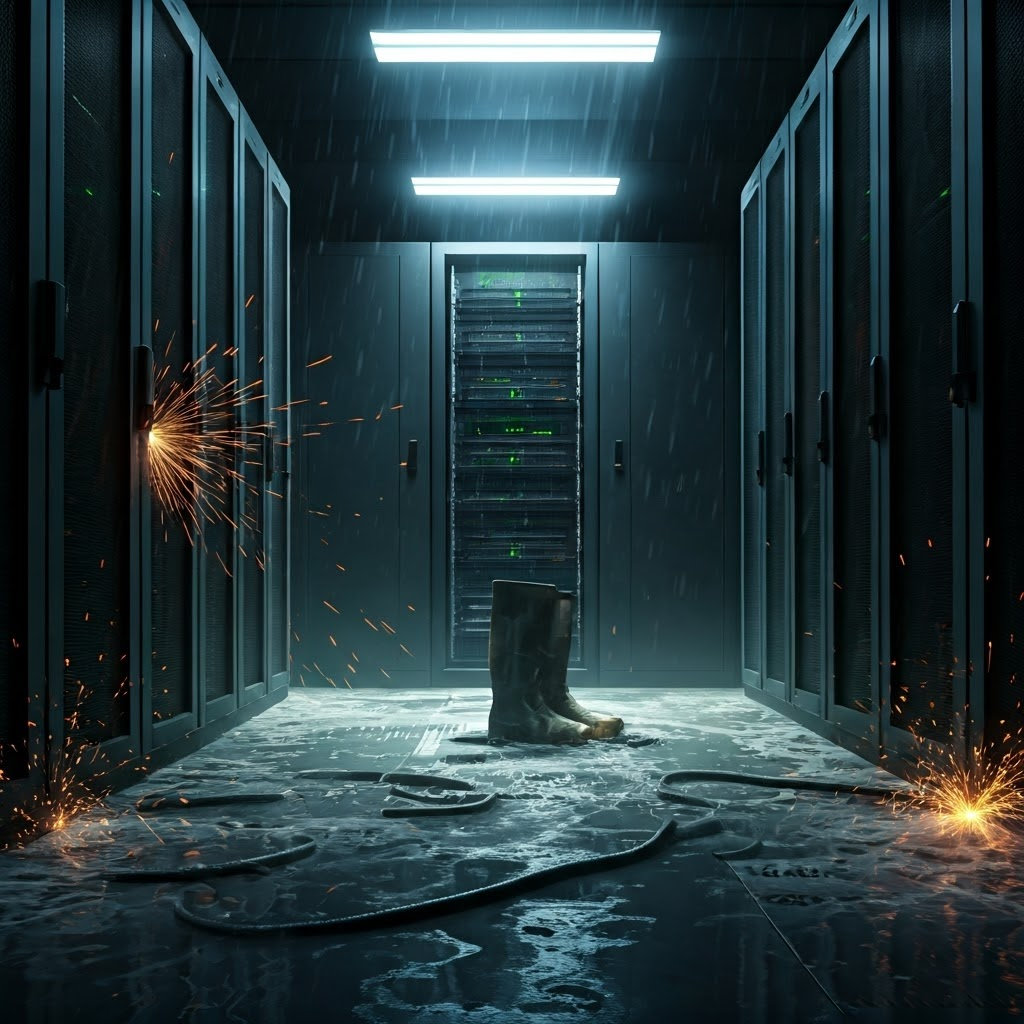
Not every failure involves hackers. Hardware dies, software bugs crash systems, and storms can drown data centers. Hurricane Sandy in 2012 cut power to major tech hubs. Prepare by backing up files, using redundant cloud storage, and drafting a clear recovery plan.
The more you recognize these usual suspects—digital or physical—the better you can spot danger and avoid nasty surprises.
