Getting Robots to Speak Human
Robots don’t need celebrity voices to communicate well. They only need speech that feels clear, natural, and friendly.

Talking and Listening: Speech as a Bridge
Speech interfaces have two parts: recognizing what you say and replying with words. Most robots send your words to the cloud, wait for processing, then speak back. This adds smarts but depends on the internet, so delays or mistakes can happen.
A hospital robot might mishear “nurse” as “curse,” causing real confusion and possible risk. Human speech is messy—people mumble, use slang, or speak with strong accents. Designers must plan for errors and guide users clearly.
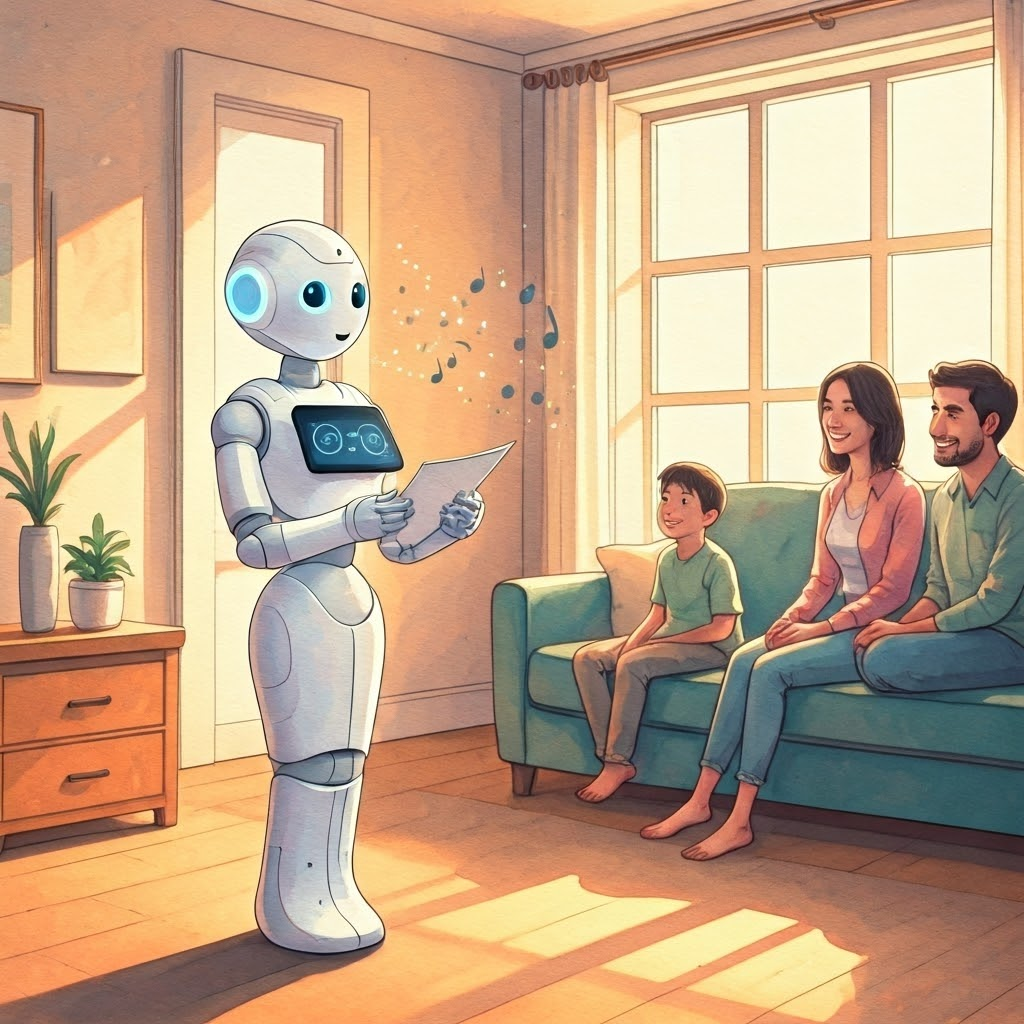
Speech is powerful, yet not always best. In a factory or playground noise drowns voices. In private spaces users avoid talking aloud. Smart teams ask if a button, gesture, or screen serves better.
Pair speech with other signals to cut mistakes. Picture a robot saying “I’m bringing your coffee” while holding the cup and flashing a blue light. This multimodal approach builds trust and keeps intent obvious.

Show, Don’t Tell: Gestures and Body Language
Humans use gestures constantly. A nod, wave, or head turn signals intent. Robots that mimic body language feel warmer and easier to read. Spot from Boston Dynamics pauses and looks down a path when it wishes to pass, like a polite dog.
Gesture recognition lets robots see what people do—a wave means hello, a raised hand means stop. Gesture generation is the robot’s turn: a thumbs-up, beckoning arm, or bow.
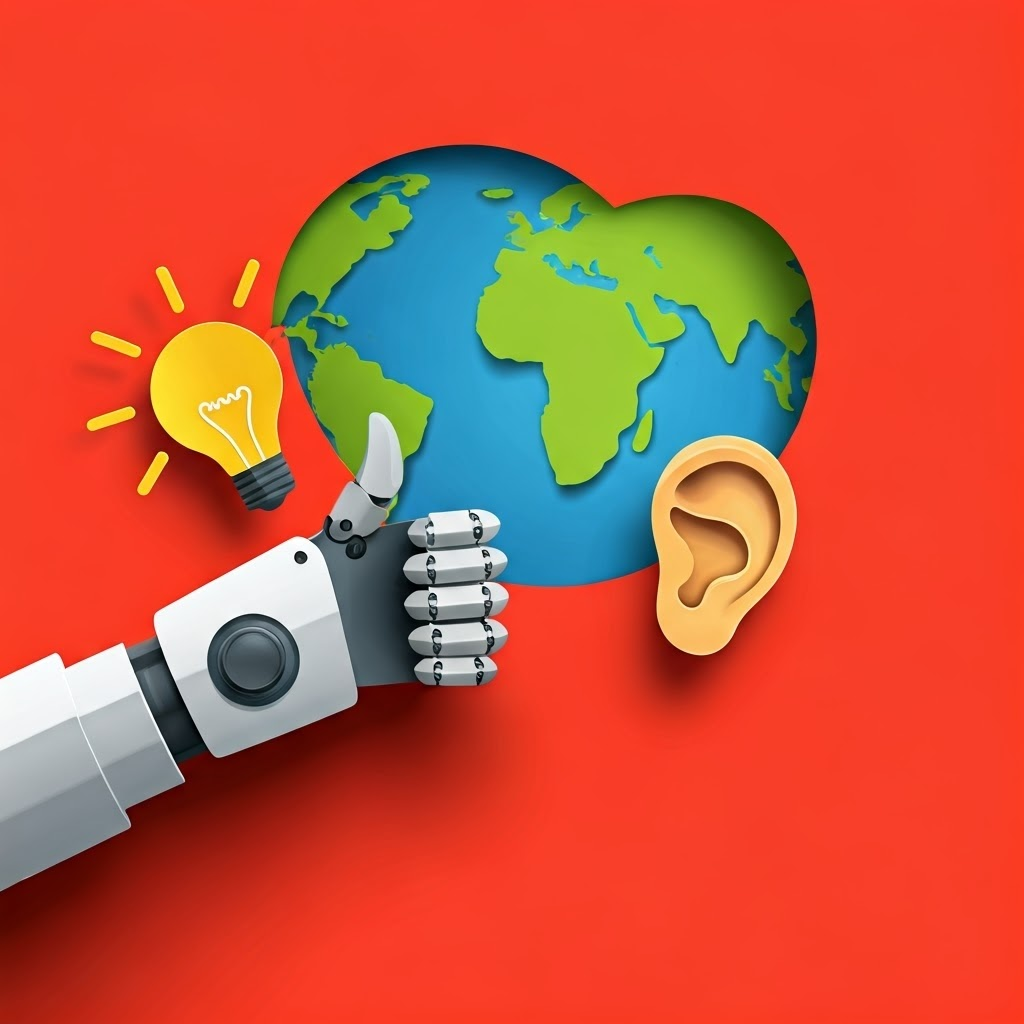
Gestures get tricky. An arm spin might look like a wave or a malfunction. Keep actions consistent and simple. Start with universal moves then check regional meanings—a thumbs-up offends in parts of the Middle East. Test with real users and add lights or sounds if needed.
Touch and Feel: Haptics in Interaction
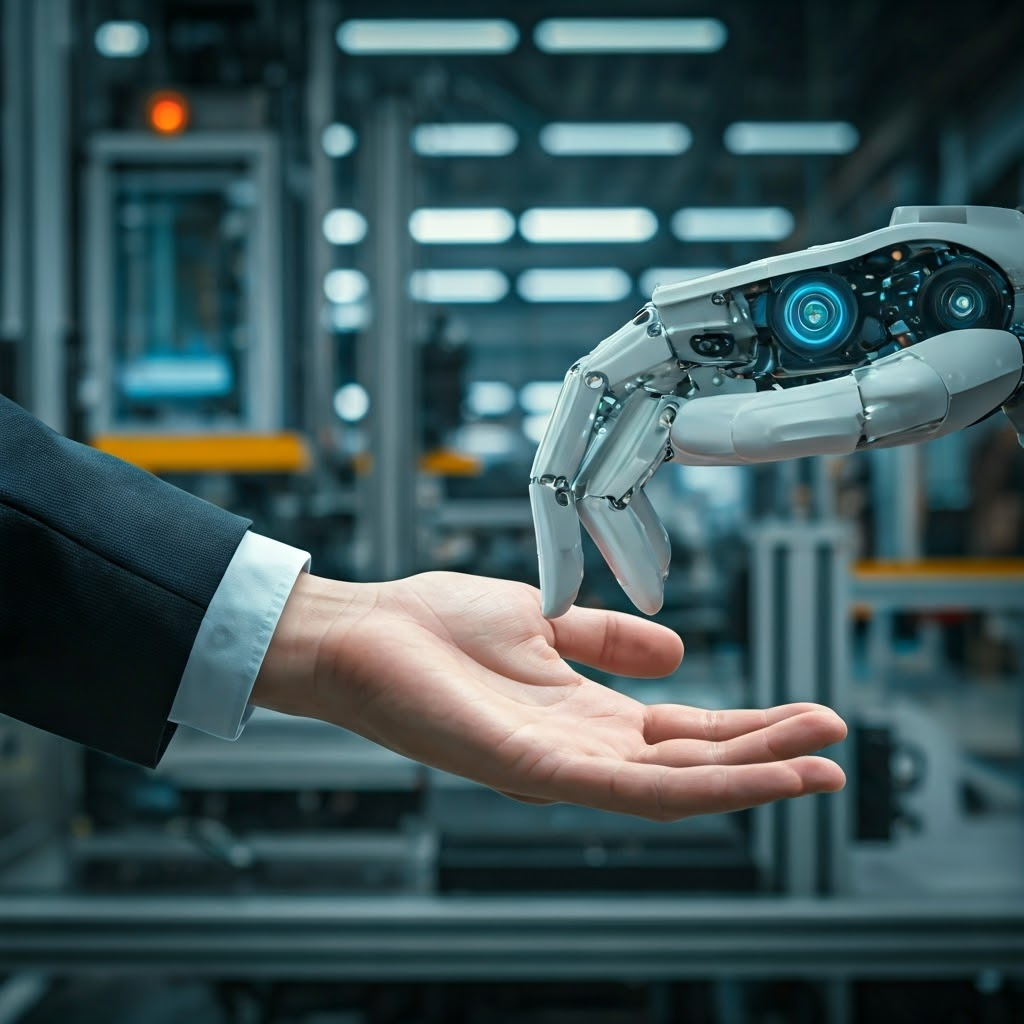
Haptic feedback adds another layer. Your phone vibrates on a message; a robot can nudge to signal time to move or buzz to warn of danger. Collaborative robots stop when sensors detect touch, boosting safety and trust.
Some robots let users guide them by the arm. For people who are blind, strong vibrations or textured grips make machines more accessible. Good haptics feel gentle yet clear—enough to notice, never to startle.
Seeing is Believing: Visual Cues and Displays
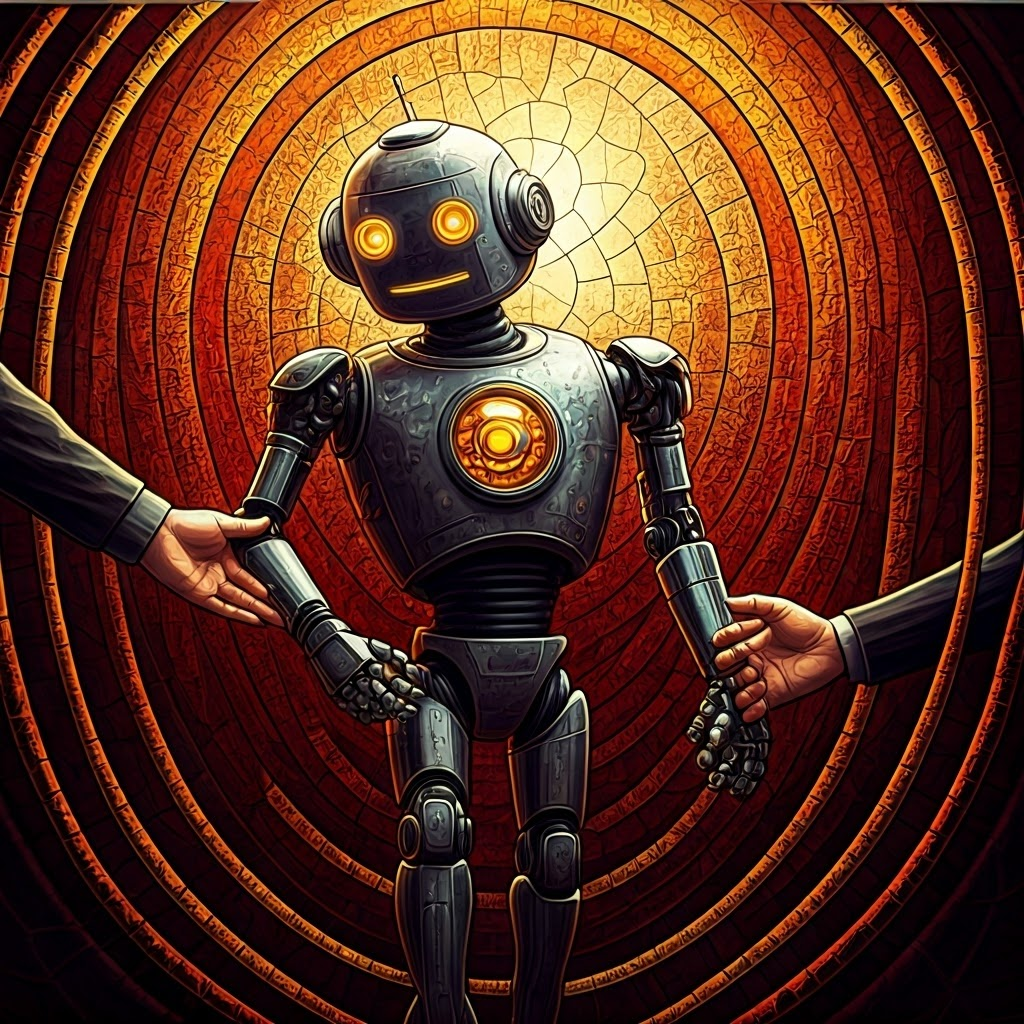
Visual cues—lights, screens, moving parts—send instant updates. A spinning tail light shows Spot is ready. Pepper’s ring changes color with its task. A flashing green means go; a pulsing red means wait.
Screens show faces, arrows, or icons. People read emotion from simple eyes and a curved mouth, no words needed. The key is clarity and consistency, not fancy graphics.

Urgent signals blink fast red; confirmations use a single ding and happy icon. Borrow ideas from crosswalk lights and ovens—simple works. Test cues with fresh users; if explanation is required, simplify.
Blending Modalities: Choosing the Right Mix
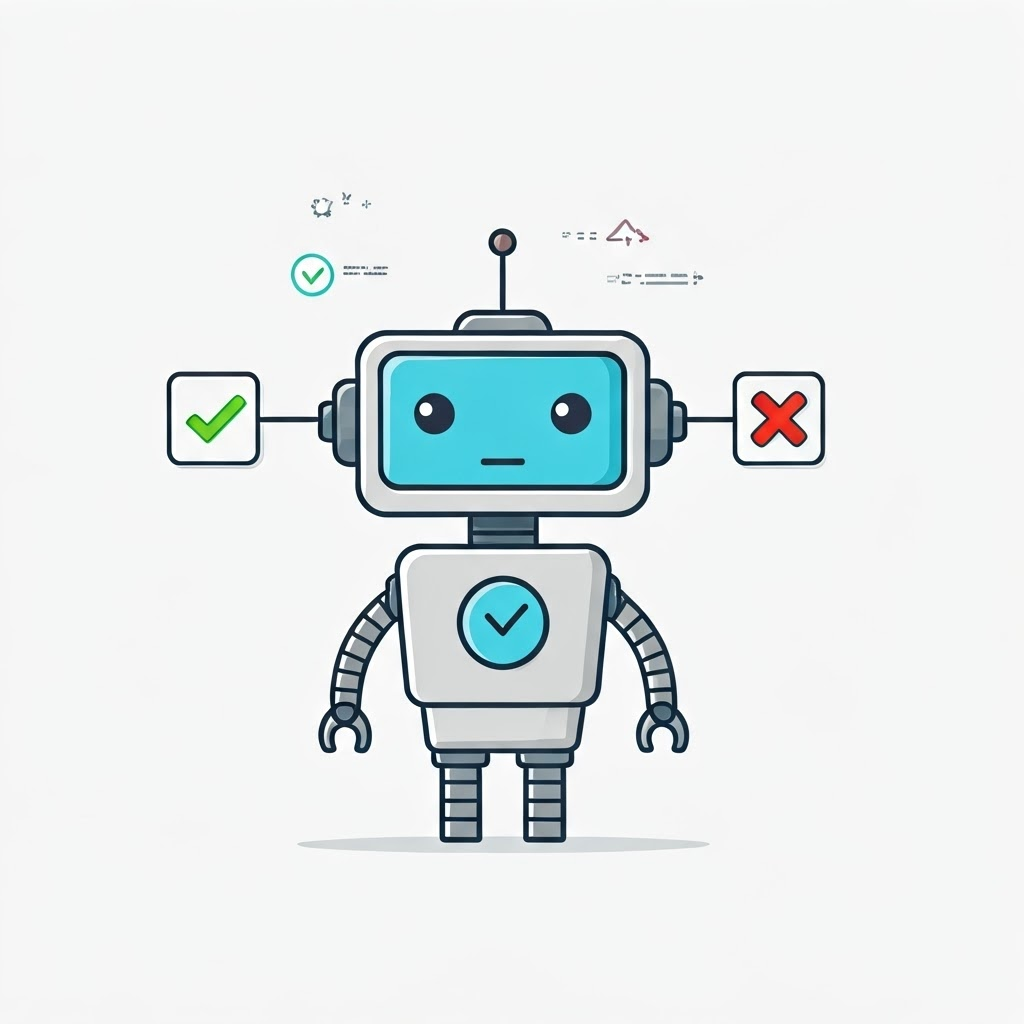
No single channel wins everywhere. Good robots blend speech, lights, gestures, sounds, and touch. A hospital unit may use soft lights and quiet tones, while a warehouse bot needs bright flashes and loud beeps.
Users differ. Some need subtitles or strong vibrations; others like spoken cues. Start simple then layer signals based on feedback. Let the robot’s job guide choices—prioritize safety cues in risky zones, friendly gestures in social spaces.
The most human-like robots aren’t the chattiest; they are the ones that listen, respond clearly, and never leave people guessing.