From Lab Hero to Field Ready: The Real-World Test
Why the Lab Isn’t the World
A robot that works indoors won’t automatically thrive outdoors. In the lab, you control light, temperature, and power. In the field, dust, heat, and random people create chaos. Stable lab conditions vanish the moment you roll onto rough ground.

Your robot might glide across polished floors, then freeze when sunlight blinds its sensors. A stray soda can or sudden wind can tip it. Unpredictability dominates outside. Weather shifts, people wander, and weak Wi-Fi adds glitches. Success depends on handling messy inputs and human quirks.
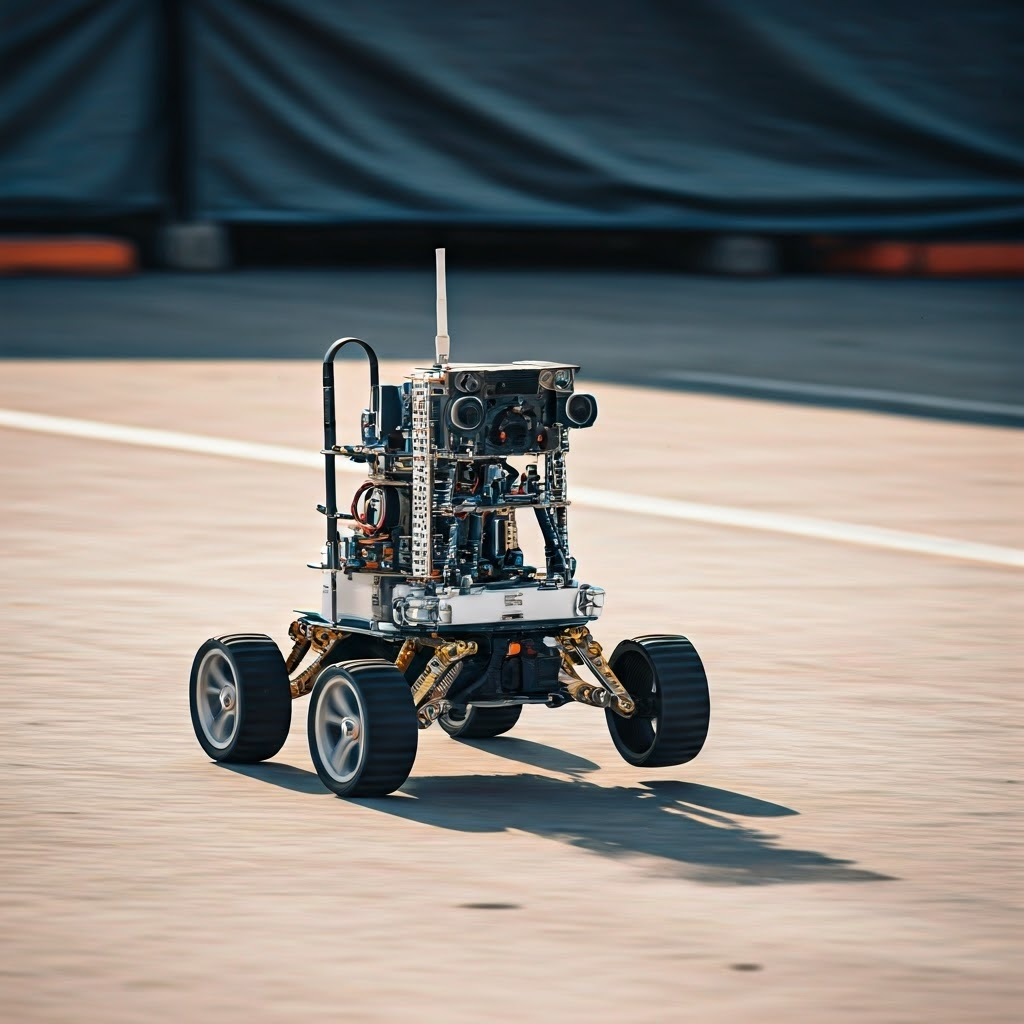
Testing: More Than Just Turning It On
Testing predicts field surprises before they strike. Layered checks beat a single power-up.

Start with unit tests. Verify each sensor or function in isolation. Fix a misbehaving wheel controller now, not later.
Move to integration tests. Combine subsystems and watch for hidden clashes—like vision failing when motors spin and batteries sag.

System tests treat the robot as one piece. Check whether it reaches goals, avoids obstacles, and streams data without crashes.
Finish with acceptance tests. Ask if the robot meets real-world goals—deliver groceries, sort produce. Never skip earlier steps; missing a unit bug later costs far more time.

Simulation vs. Reality: The Gaps That Bite
Simulations feel like magic—thousands of runs in minutes—but tiny lies hurt later. Simulators miss wet floors, loose cables, and shifting sunlight. No virtual world survives first contact with reality.

Timing surprises appear when slow CPUs lag. Simulated sensors stay perfect; real ones blur with dust and glare. Humans add randomness by unplugging cables or pressing wrong buttons.

Run a reality checklist early. Can the robot handle power drops, GPS loss, or sudden clouds? Document every odd failure—those notes save headaches.

Spotting Simulation Blind Spots
Warning signs include flawless virtual runs, ideal data, or better sim performance than real. Feed real logs into the sim. If messiness breaks it, trust the field, not the screen.

On-Site Calibration and Quick Fixes
At the site, expect fresh calibration needs. Floors tilt, sensors drift, and nothing aligns exactly. Bring a laptop, targets, multimeter, spare cables, tape, zip ties, and a soldering kit. Fieldwork blends science with detective work and luck.

- Extra batteries or chargers
- Spare microcontrollers or fuses
- USB drives for quick code updates
- Wi-Fi dongles
- Screwdrivers, Allen keys, pliers
- Sensor cleaning wipes
- A paper notebook—always reliable
Preparation turns breakdowns into brief pauses. Success often hinges on a spare part like a zip tie or fresh SD card.