
Choosing the Brains: Microcontrollers, Boards, and the Right Tools

What Makes a System ‘Embedded’?
An embedded system is a tiny computer hidden inside a device. It repeats one job quietly, reliably, and almost invisibly.
You meet dozens of these systems every day—inside a microwave, a thermostat, or a car. Each one focuses on a single task and does not run general apps like a laptop.

These computers stay out of sight. They use little memory, have no keyboard, and fit strict limits on power, size, and cost. A digital watch may hold only a few kilobytes yet run for years.
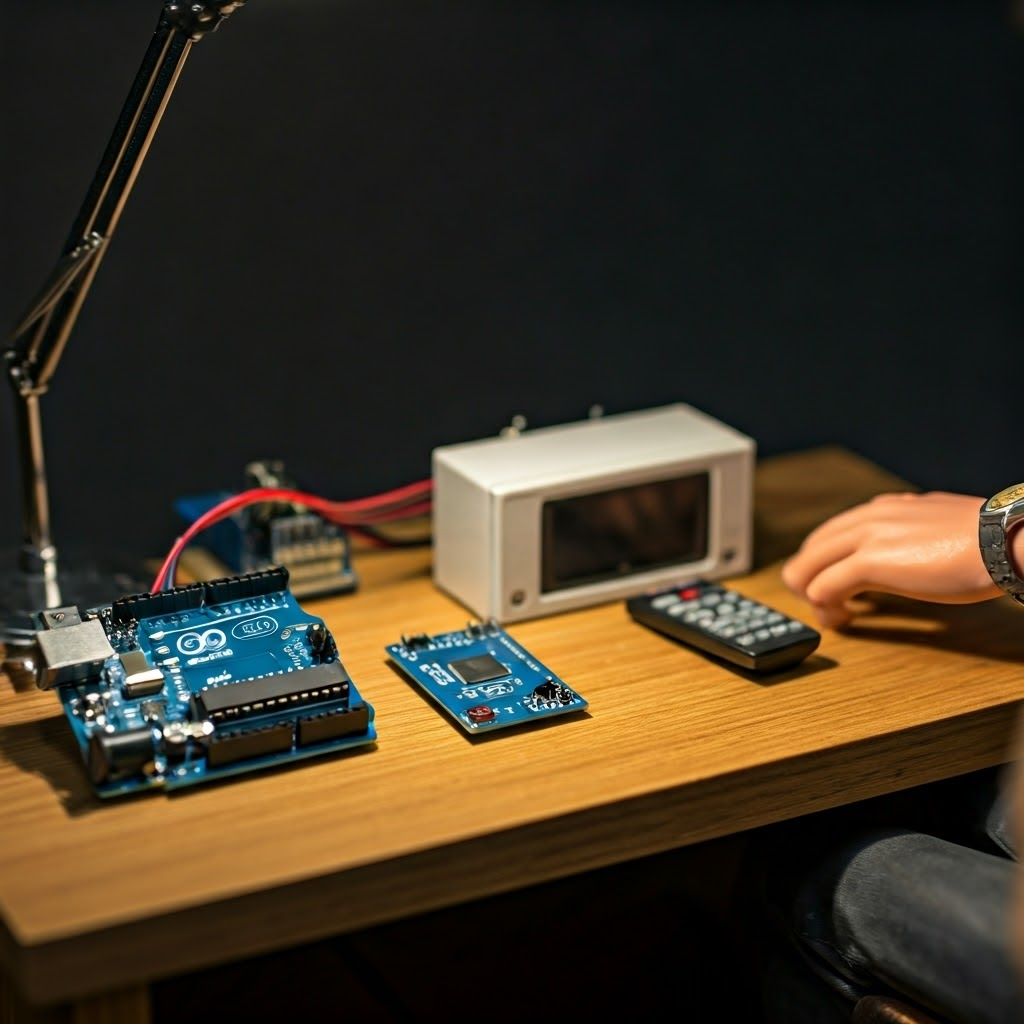
Microcontrollers vs. Single-Board Computers: Picking Your Brain
A microcontroller acts like a focused worker. It reads sensors, flips switches, and runs one program forever—perfect for a TV remote, alarm clock, or dishwasher.
Many hobby boards use microcontrollers, including the Arduino Uno and STM32 Blue Pill. They avoid full operating systems to save power and cost.
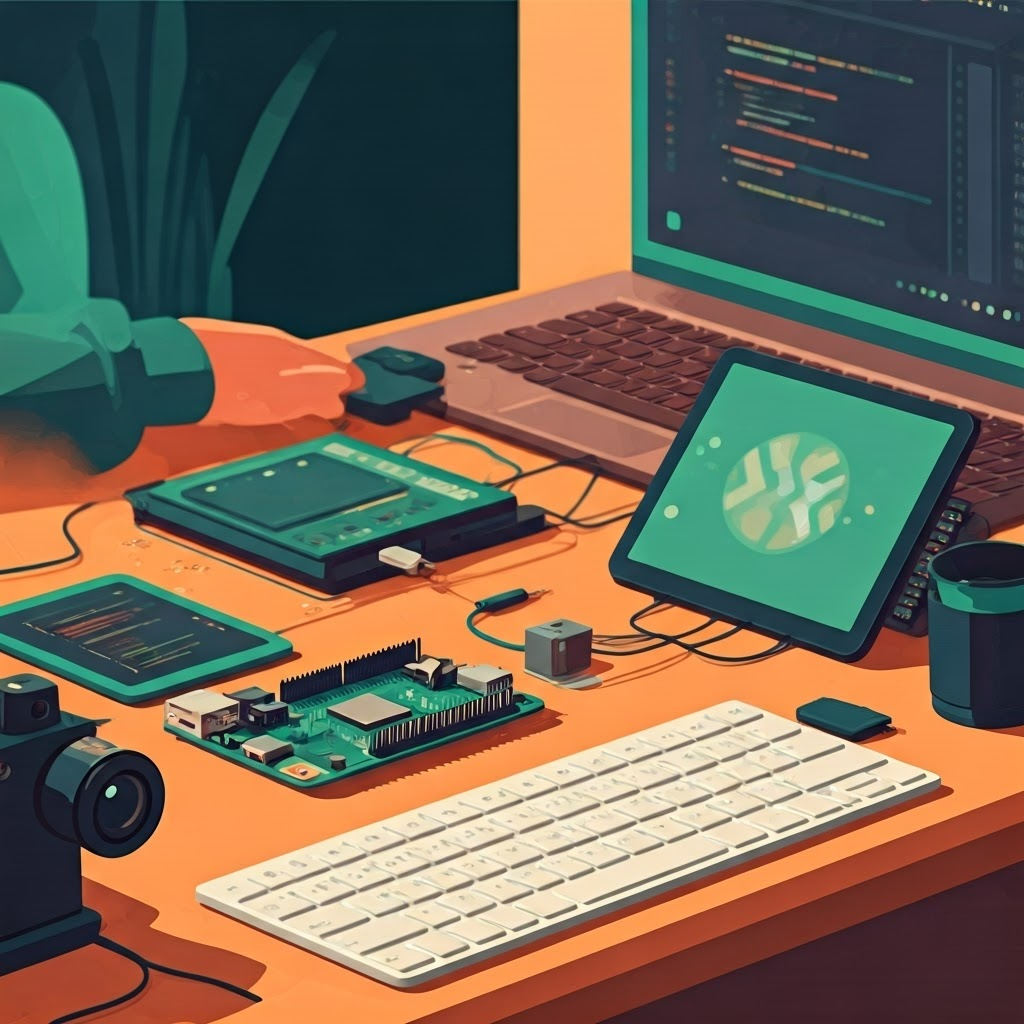
A single-board computer runs Linux or Android and handles graphics, networking, and multitasking. Think Raspberry Pi or BeagleBone when you need heavy features like cameras or machine learning.
| Feature | Microcontroller | Single-Board Computer |
|---|---|---|
| Typical RAM | 2 KB – 512 KB | 512 MB – 8 GB |
| Operating System | None or small RTOS | Linux, Windows, Android |
| Power Usage | Milliwatts | Watts |
| Cost | $1 – $10 | $35 – $100+ |
| Boot Time | Milliseconds | Seconds |
| Use Cases | Sensors, wearables, tiny robots | Media, vision robots, hubs |
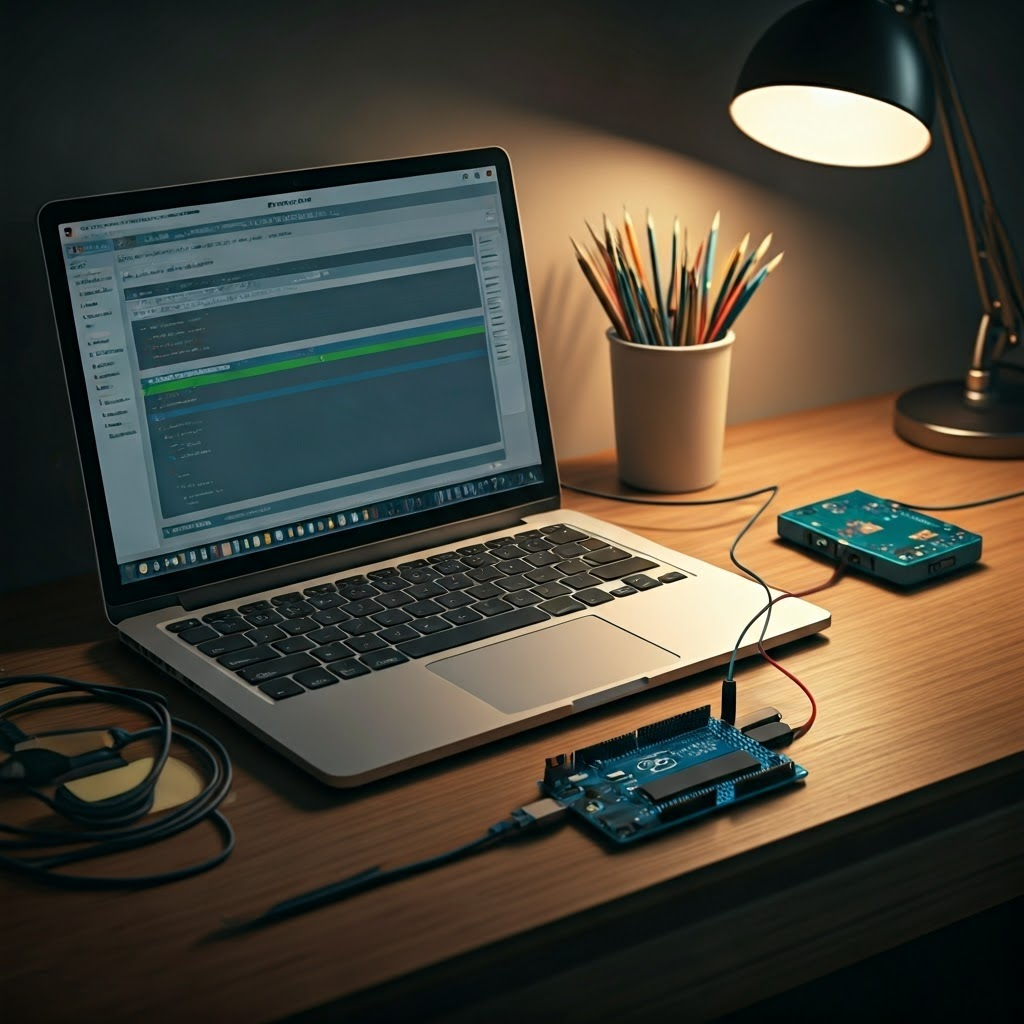
Setting Up: Tools, Languages, and Your First Blinky
Start with a friendly development board such as an Arduino Uno or Raspberry Pi. They are cheap, well-documented, and backed by large communities.
To program a microcontroller, you need a USB cable, a small programmer, and an IDE. The Arduino IDE is beginner-friendly, while PlatformIO or STM32CubeIDE offer deeper control.
C and C++ dominate embedded work because they compile into tiny, fast code. Python fits boards like the Raspberry Pi but is usually too heavy for smaller chips.
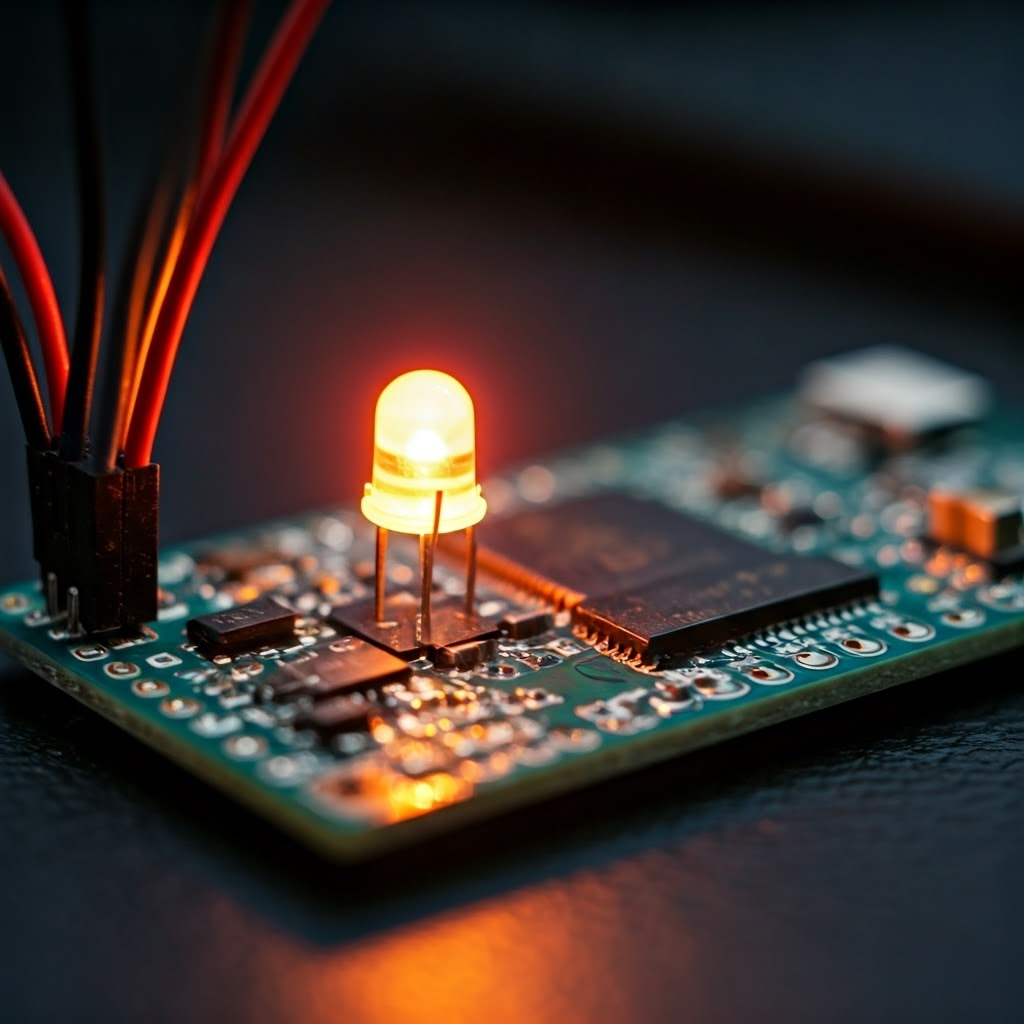
The “blinky” program toggles an LED to prove your setup works:
void setup() {
  pinMode(13, OUTPUT);
}
void loop() {
  digitalWrite(13, HIGH);
  delay(500);
  digitalWrite(13, LOW);
  delay(500);
}

Memory Matters: Working with Constraints
Memory is precious. A phone holds gigabytes; a microcontroller might hold 32 KB. You must include only what you truly need.
Use small data types such as uint8_t instead of int when values fit in one byte. Skip large libraries and watch for leaks.
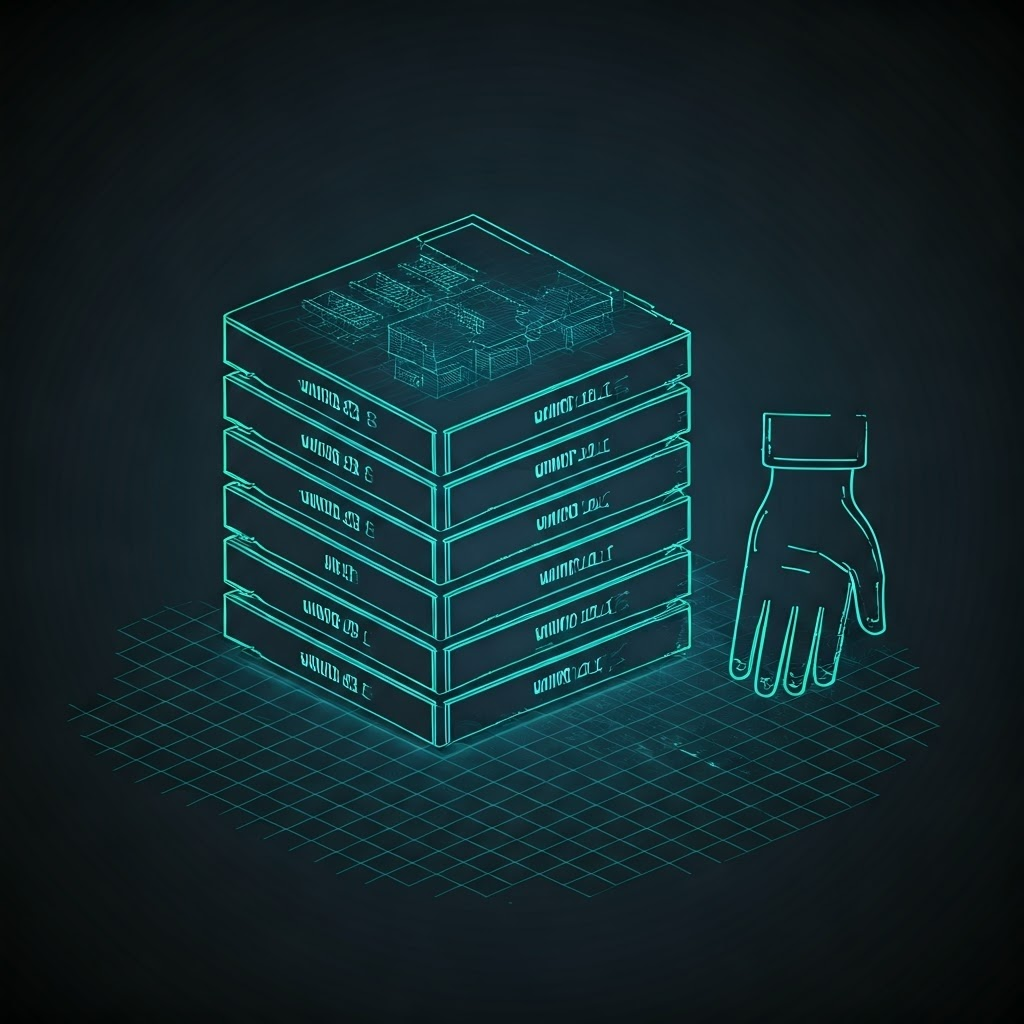
Avoid dynamic allocation on tiny chips—the risk of running out of memory is high. Static arrays and packed structs save space and boost reliability.
Efficient code keeps devices fast and stable for weeks or months without resets.
Final Thoughts
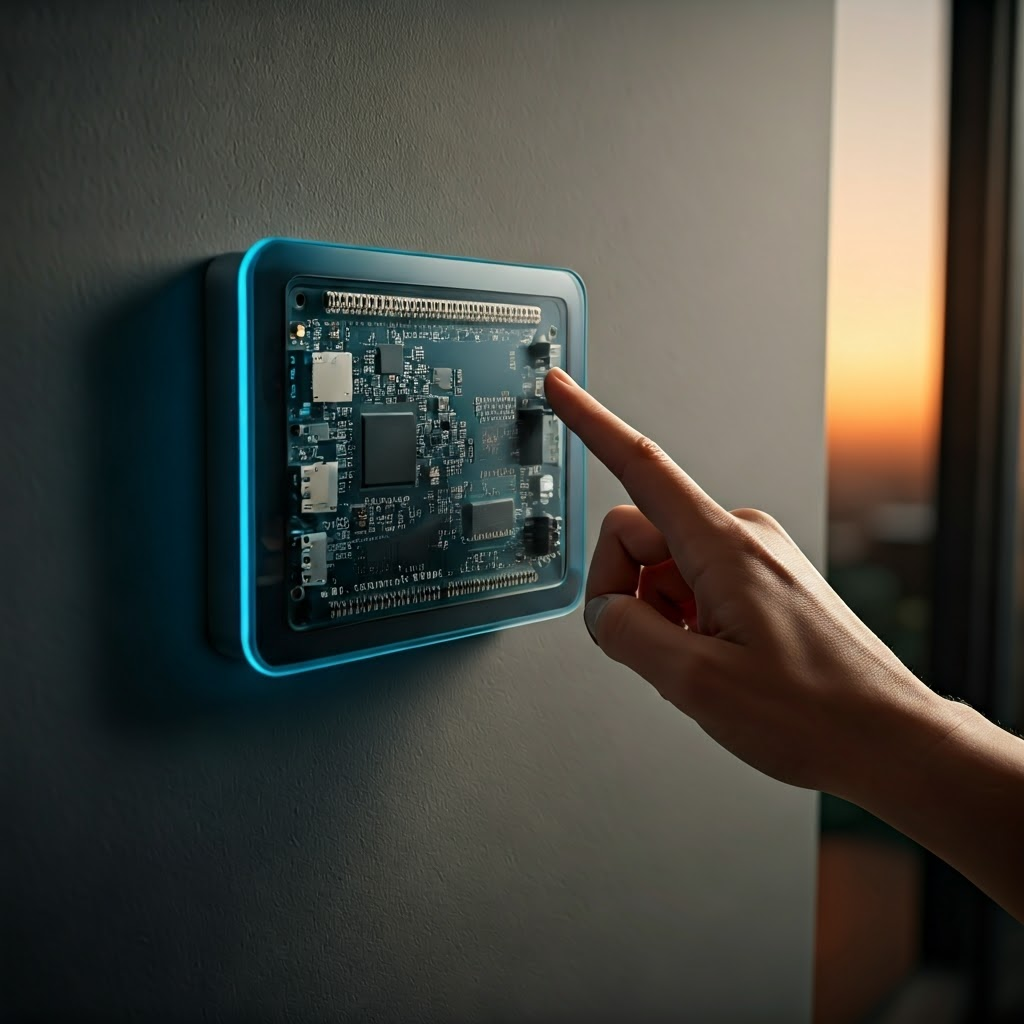
Choosing between a microcontroller and an SBC starts with your project’s needs—speed, memory, power, and features. Master the tools, write lean C/C++ code, and respect memory limits. From your first blinking LED to complex smart-home gadgets, steady progress comes from clear goals and small wins.
