14 min read  •  12 min listen

Email, Phishing & Social Engineering

How to Outsmart Scammers and Keep Your Inbox Safe

Email, Phishing & Social Engineering

AI-Generated

April 28, 2025

Ever wondered if you could spot a fake email before it tricks you? This tome shows you how to outsmart scammers, read between the lines, and keep your inbox safe—without turning into a cynic.


The Anatomy of a Phishing Email: Spotting the Fakes
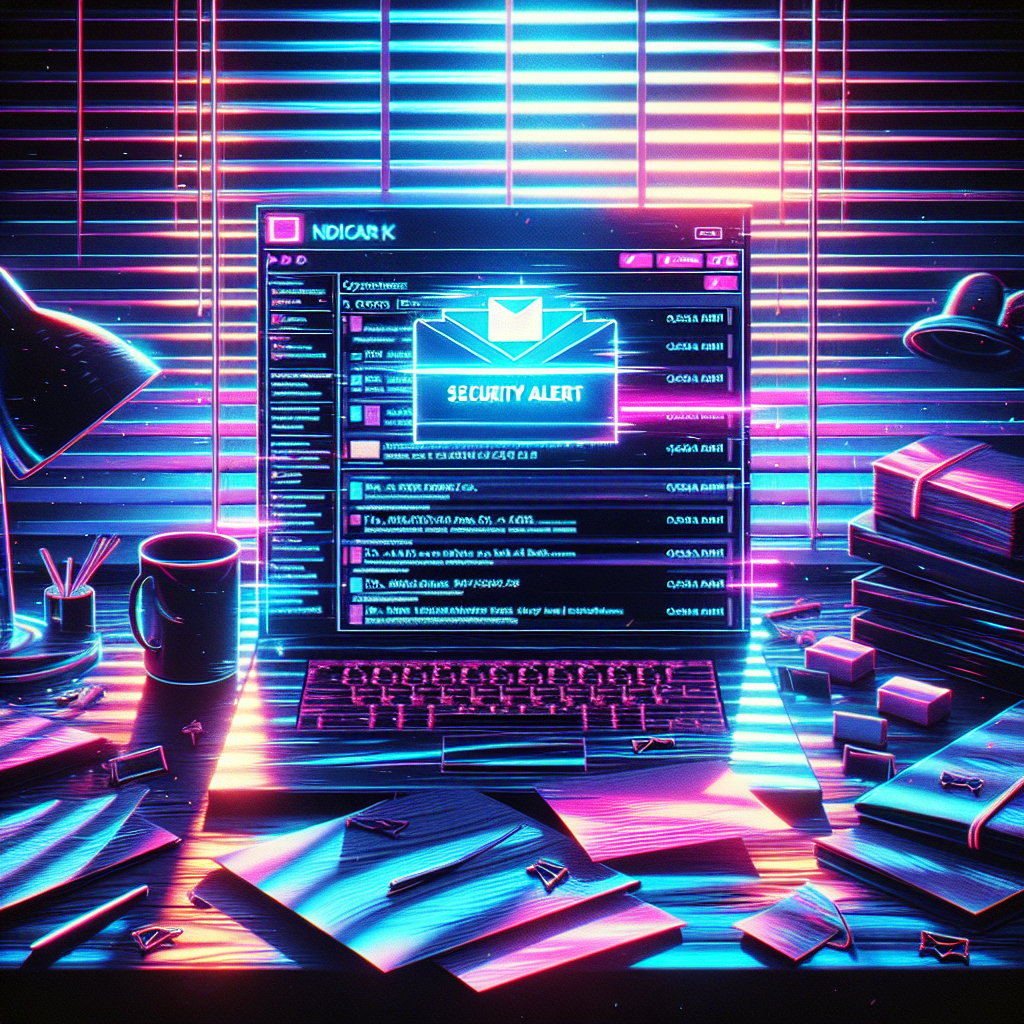
A glowing laptop screen in a dark home office highlights an email from support@paypa1.com with the subject 'URGENT: Security Alert.' The neon-lit scene signals potential danger in a typical inbox.

What Makes a Phishing Email Tick?

Picture yourself on a quiet morning. Between birthday wishes and shipping updates, you spot an urgent note from your “bank.” It looks official, yet something feels off. That uneasy feeling—your first warning—often signals a phishing email is at work.

Most scams share five parts: sender, subject, body, links, and attachments. Each piece mimics trust to lure you in. Knowing these parts lets you break the illusion before clicking.
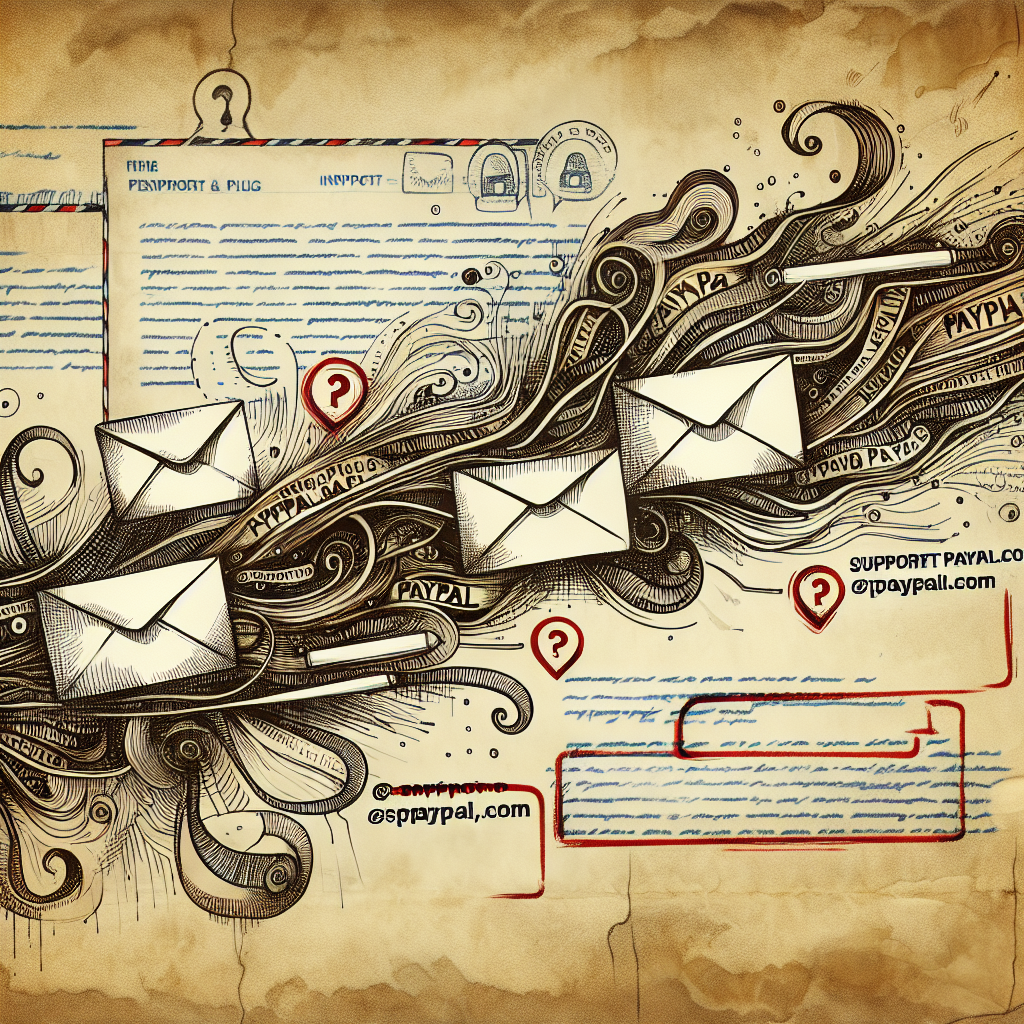
Two email addresses—support@paypal.com and support@paypa1.com—appear side by side on aged parchment, highlighting the tiny spelling change scammers use.

Scammers hide inside the sender line. A single swapped letter or added dash tricks quick readers. Always read addresses slowly; tiny errors reveal fraud.
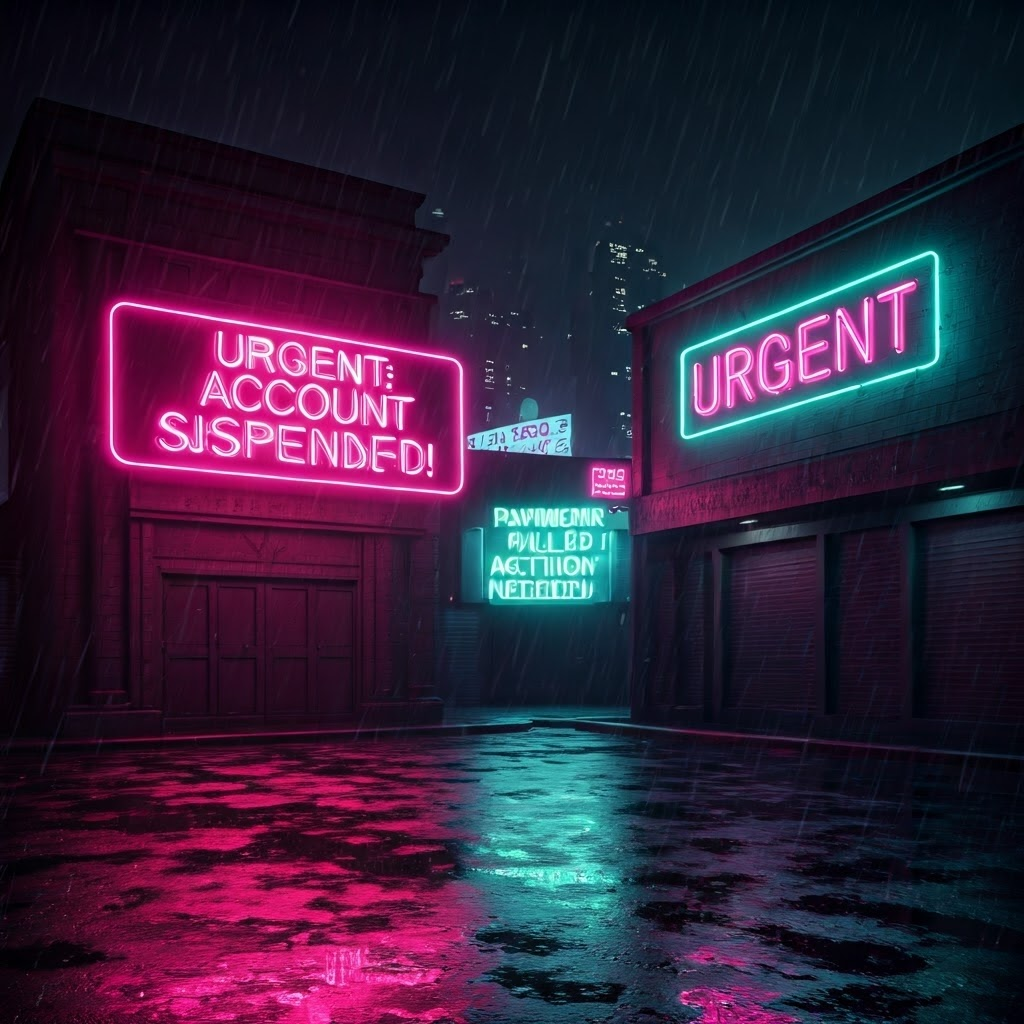
Neon city signs flash phrases like 'URGENT: Account suspended!' to show how frightening subject lines force quick clicks.

Subject lines push urgency. Words like “account suspended” spark fear and rush decisions. Pause before you press open.
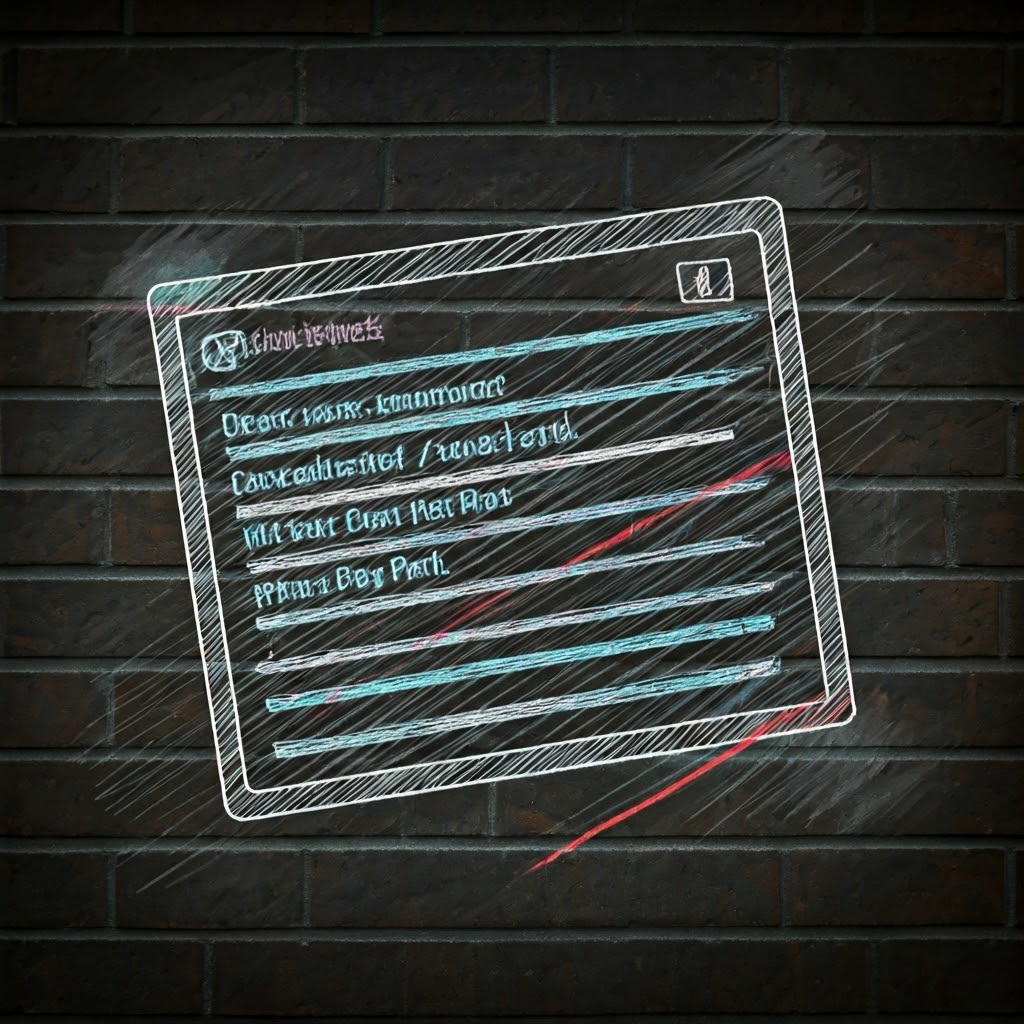
A chalk-style email layout on a brick wall highlights odd grammar and fake logos, revealing a scammer's careless body text.

Inside the email body, scammers paste logos and sign-offs. Yet clumsy grammar or strange greetings betray their act. Spotting these small flaws protects your identity.
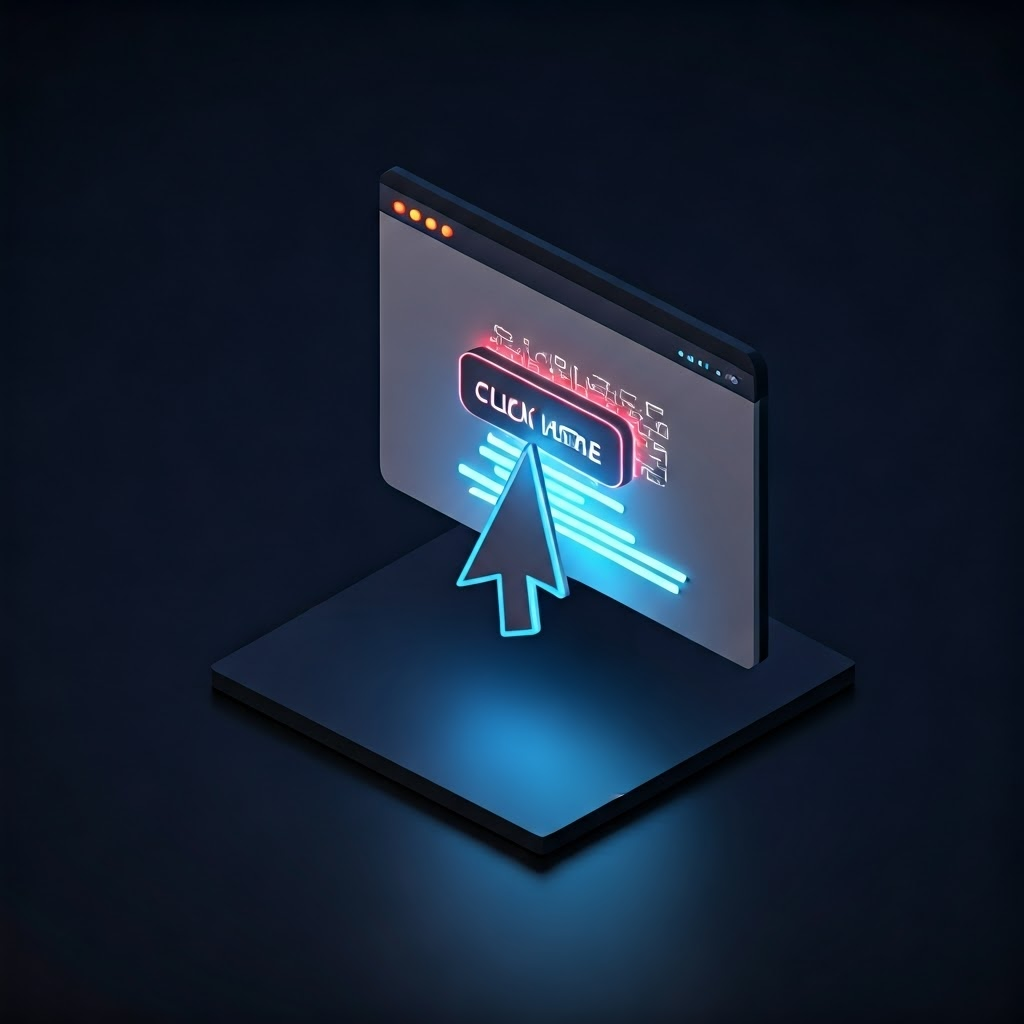
A cursor hovers over a suspicious 'Click here' link while a preview shows a random URL, stressing hidden risks.

Hover before clicking any link. The real destination often looks odd—long strings or wrong domains. If it feels wrong, delete the mail.
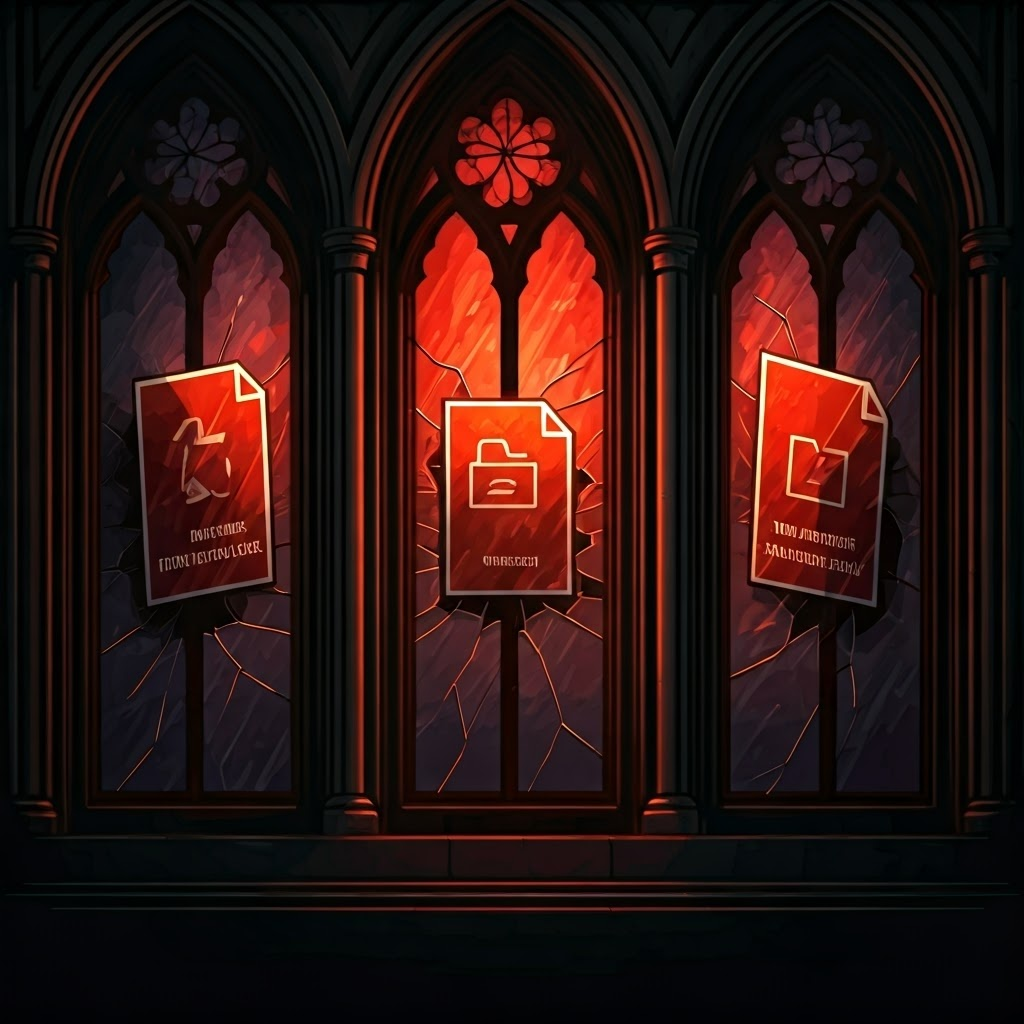
Stained-glass style icons display files named 'Invoice.pdf.exe' and 'New_Password.docm,' warning about risky attachments.

Attachments can hide malware. Files ending in .exe, .scr, or .docm deserve extra caution. If you did not request it, do not open it.

A blurred figure juggles swirling email icons, illustrating how distractions help scammers succeed.

Why Do People Fall for It?

Scammers exploit moments when you feel rushed, tired, or trusting. They blend authority with urgency to override your judgment. A calm pause is your best defense.
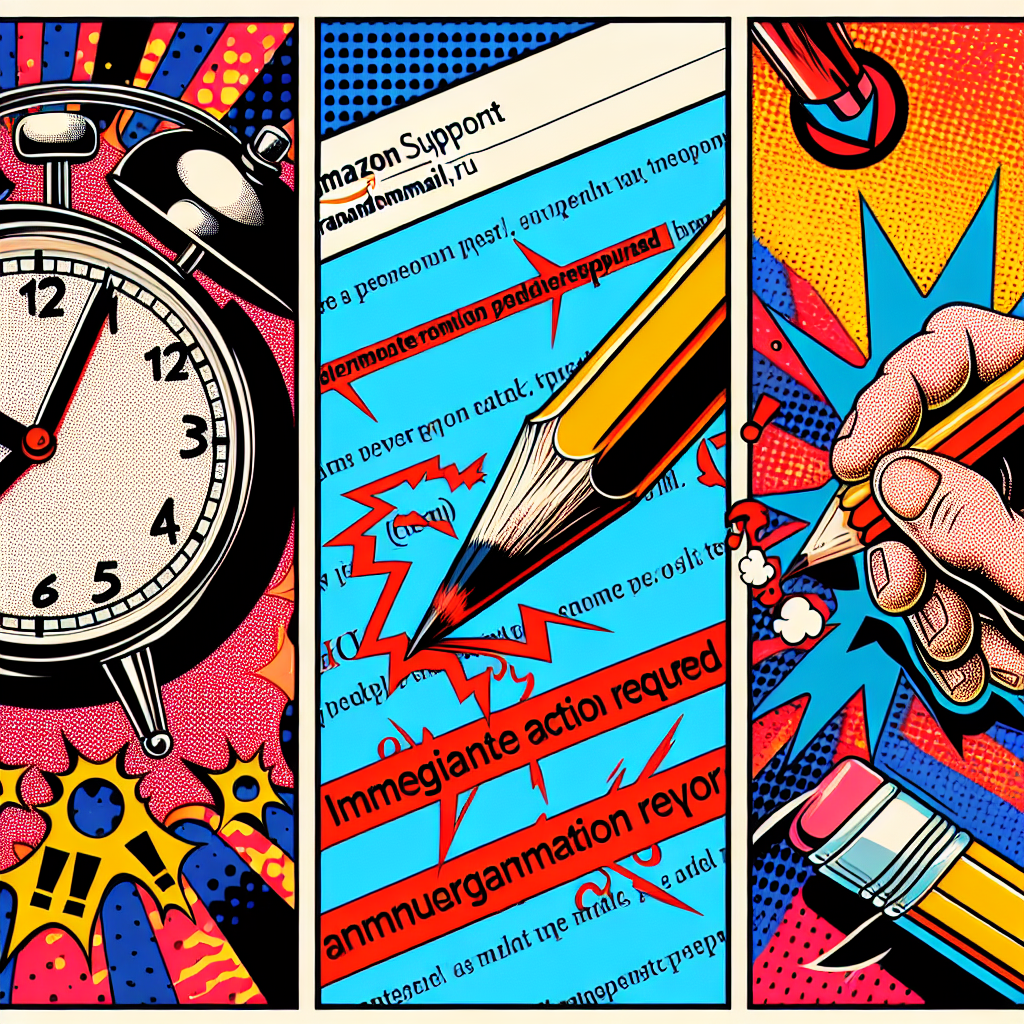
Comic-style panels show a ticking clock, a fake sender address, and red-underlined grammar errors—classic red flags.

Red Flags: The Telltale Signs

Pushy deadlines like “24 hours left” aim to panic you. Legitimate firms rarely impose sudden threats. Respect your skepticism.

Sender names and addresses must match. “Amazon Support” coming from @randommail.ru is a clear fake. Check before trusting.

Errors in spelling or grammar signal mass production. Big brands proofread; scammers rarely do.
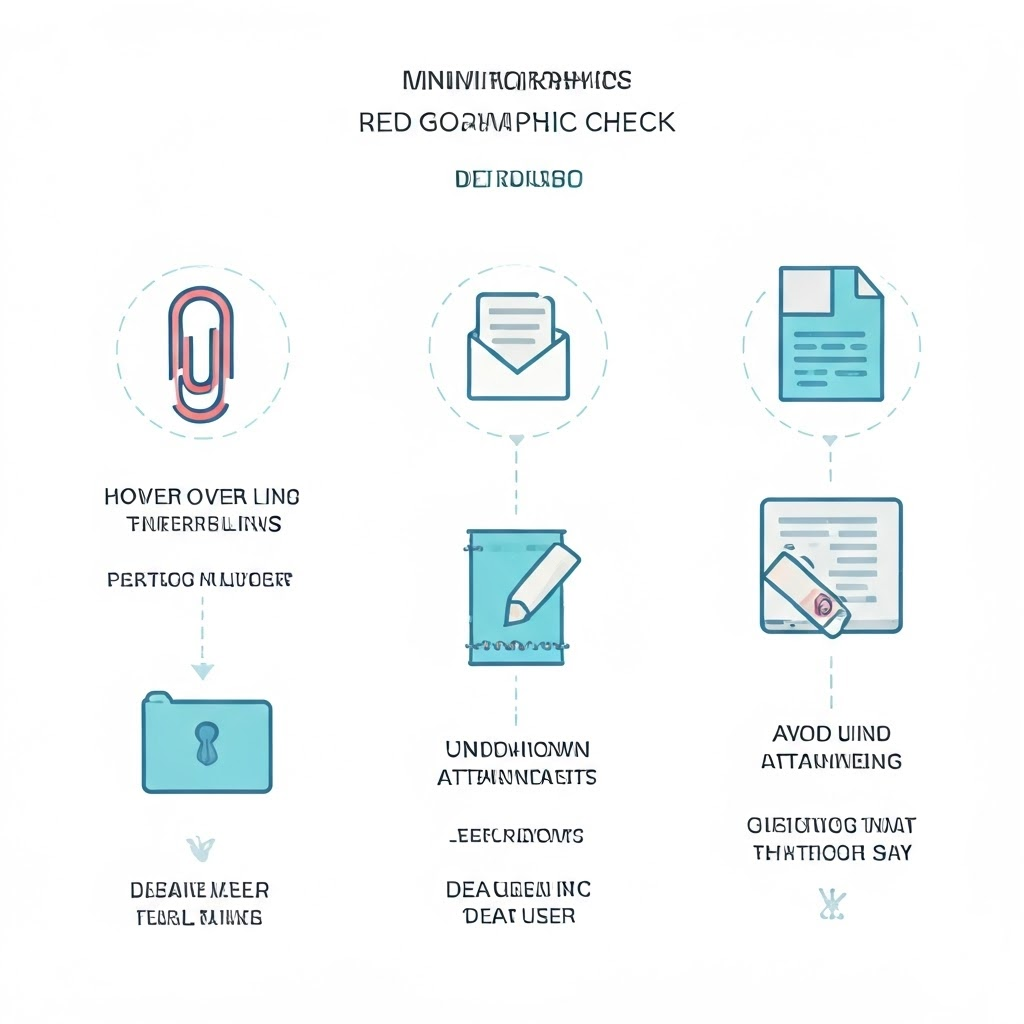
A simple infographic shows icons for links, attachments, and greetings, guiding users to hover, avoid, and question.

Hover over links to preview their true URL. Real sites start with https:// and the correct domain. Strange strings expose fraud.

Unknown attachments remain dangerous—especially .zip, .exe, or .docm files. Confirm through another channel before opening anything unexpected.

Greetings such as “Dear User” may seem polite but are actually generic. Your bank knows your name and uses it.
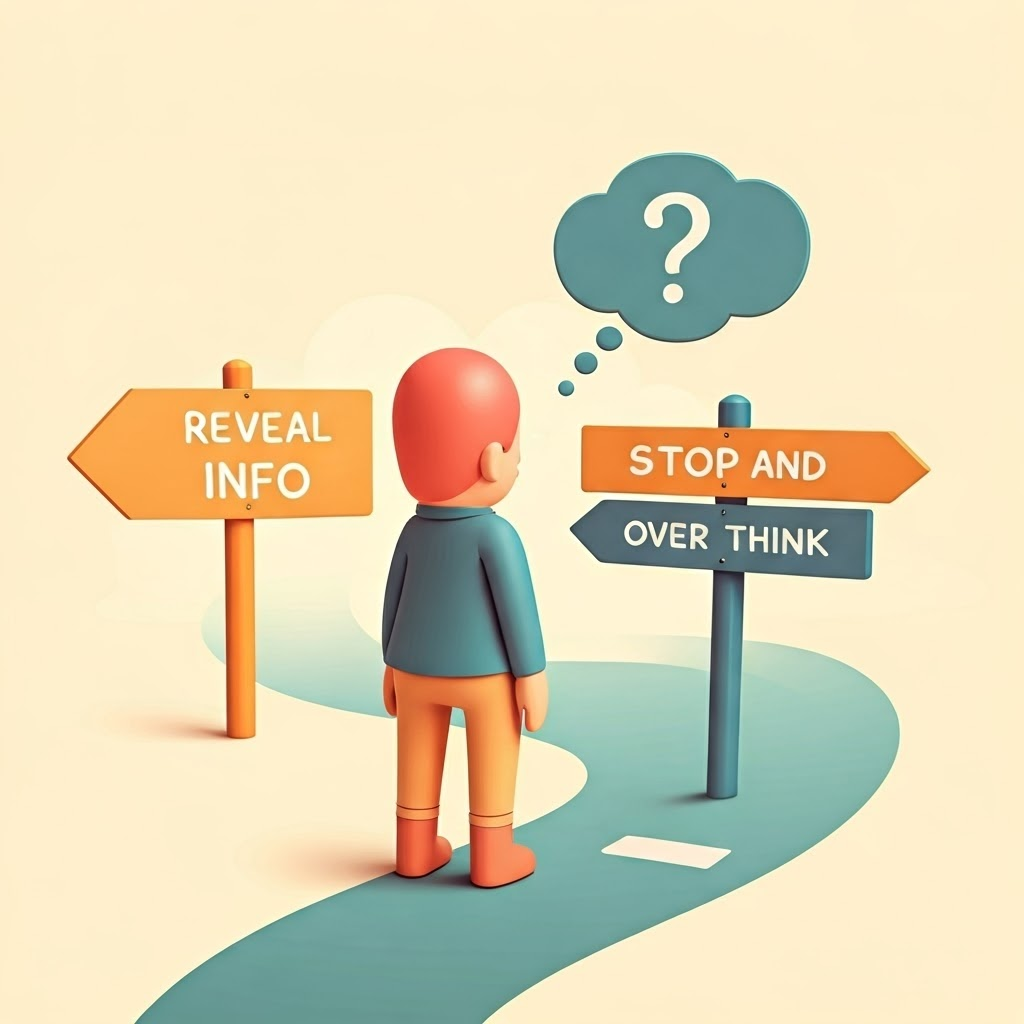
A pastel cartoon shows a fork in the road—'Reveal info' or 'Stop and think'—urging a quick pause before sharing data.

Never share passwords or Social Security numbers by email. If a request feels odd, trust your gut and confirm directly.

Floating holographic panels reveal technical email details like 'Received from: mail.fakehosting123.com.' These clues expose origin.

Reading Between the Lines: Email Headers and Hidden Clues

Email headers store travel history. Use “View source” to see the path. If “Received from” shows a strange server, delete the mail.

The Return-Path should match the sender. Mismatched domains usually mean fraud. Quick checks keep you safe.

Circuit-board graphic displays DKIM and SPF results, showing how authentication passes or fails.

DKIM and SPF authenticate messages. A “fail” entry in either field proves forgery. Yet visible clues often suffice; dive into headers only when unsure.

Art-Deco magnifying glass over an email icon signals the importance of careful inspection.

Sharpening Your Eye

Adopt a habit: slow down, verify details, and trust your instincts. Spotting tiny inconsistencies—odd addresses, pushy language, strange links—quickly becomes second nature. A little friendly skepticism protects you without spoiling your day.


Tome Genius

Defending the Digital Frontier

Part 7

Tome Genius

Cookie Consent Preference Center

When you visit any of our websites, it may store or retrieve information on your browser, mostly in the form of cookies. This information might be about you, your preferences, or your device and is mostly used to make the site work as you expect it to. The information does not usually directly identify you, but it can give you a more personalized experience. Because we respect your right to privacy, you can choose not to allow some types of cookies. Click on the different category headings to find out more and manage your preferences. Please note, blocking some types of cookies may impact your experience of the site and the services we are able to offer. Privacy Policy.
Manage consent preferences
Strictly necessary cookies
Performance cookies
Functional cookies
Targeting cookies

By clicking “Accept all cookies”, you agree Tome Genius can store cookies on your device and disclose information in accordance with our Privacy Policy.

00:00