

The Magic Behind the Screen: How 3D Worlds Come Alive
Pressing play on a 3D app triggers a lightning-fast backstage show where digital crews set the scene in a blink.
Think of a theater: curtains lift, props drop, and lights flash. The real-time graphics pipeline repeats that dance about sixty times each second so motion feels fluid.

Your code acts like a script. The computer checks which objects you can see, skips the hidden ones, and hands the list to the GPU—the show’s lighting and effects team.

The GPU decides where the camera sits, how lights hit each surface, and which textures appear. It then paints the screen, clears the slate, and starts again so everything looks smooth.
This cycle makes 3D worlds feel alive. If any step lags, you notice stutter. When it’s fast, the result feels like magic.

Meet the Engines: Unity, Unreal, and Godot
Game engines are an all-in-one toolbox. You bring the story and rules; they handle lighting, sound, and physics so you don’t start from scratch.
Unity is the friendly all-rounder. It runs on almost any device and offers a huge library, making it ideal for beginners and pros.
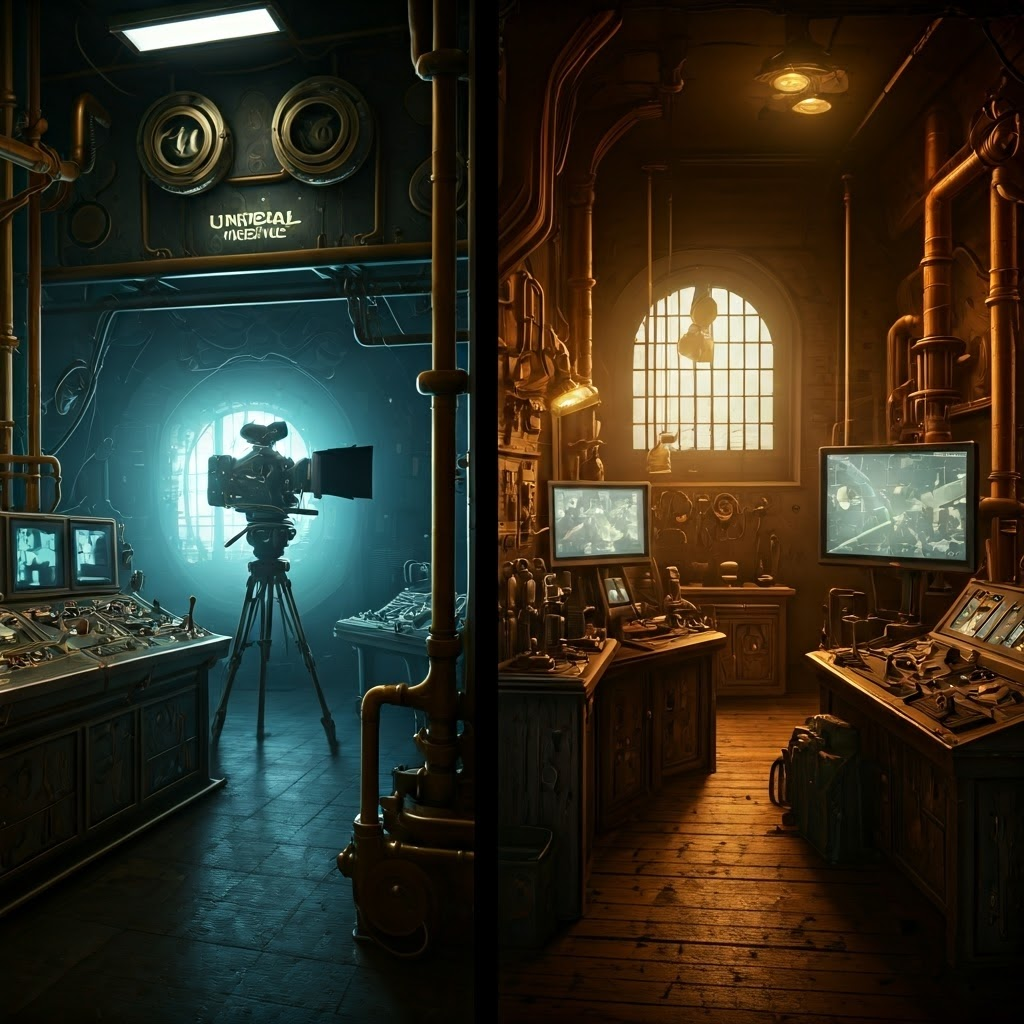
Unreal Engine is the visual effects wizard. Studios love its built-in lighting and physics that push graphics toward film-quality realism.
Godot is the open-source darling. It’s lightweight, free, and flexible—great for anyone who enjoys tinkering with full control.
Regardless of engine, each one organizes scenes, manages lighting, and chats with the graphics pipeline so you can focus on creativity.

The Secret Sauce: SDKs and Toolkits
SDKs act like kitchen gadgets—add-ons that give your app new powers such as VR, AR, or hand tracking without reinventing hardware.
OpenXR unifies headset and controller support. ARCore and ARKit let phones map real surfaces. MRTK provides hand-tracking tools for devices like HoloLens.
You plug an SDK into the engine, follow guides, and instantly unlock features like gesture recognition or room mapping.
Combining an engine with SDKs lets even solo developers build experiences that felt like science fiction not long ago.

Engines and SDKs: Partners in Creation
Engines and SDKs work side by side. Choose an engine first, then add SDKs that match your goals and avoid conflicts.
Browse Unity, Unreal, or Godot websites. Their asset stores list plugins—many are free or offer trials—so you can experiment before committing.

Why This Matters
Knowing what happens behind the scenes lets you pick the right tools, troubleshoot issues, and respect the craft.
Download an engine, add an SDK, and start creating. Let the backstage tech handle photons and buttons—your job is to tell the story and bring your world to life.
