

Start Strong: Your Security Baseline and First Steps
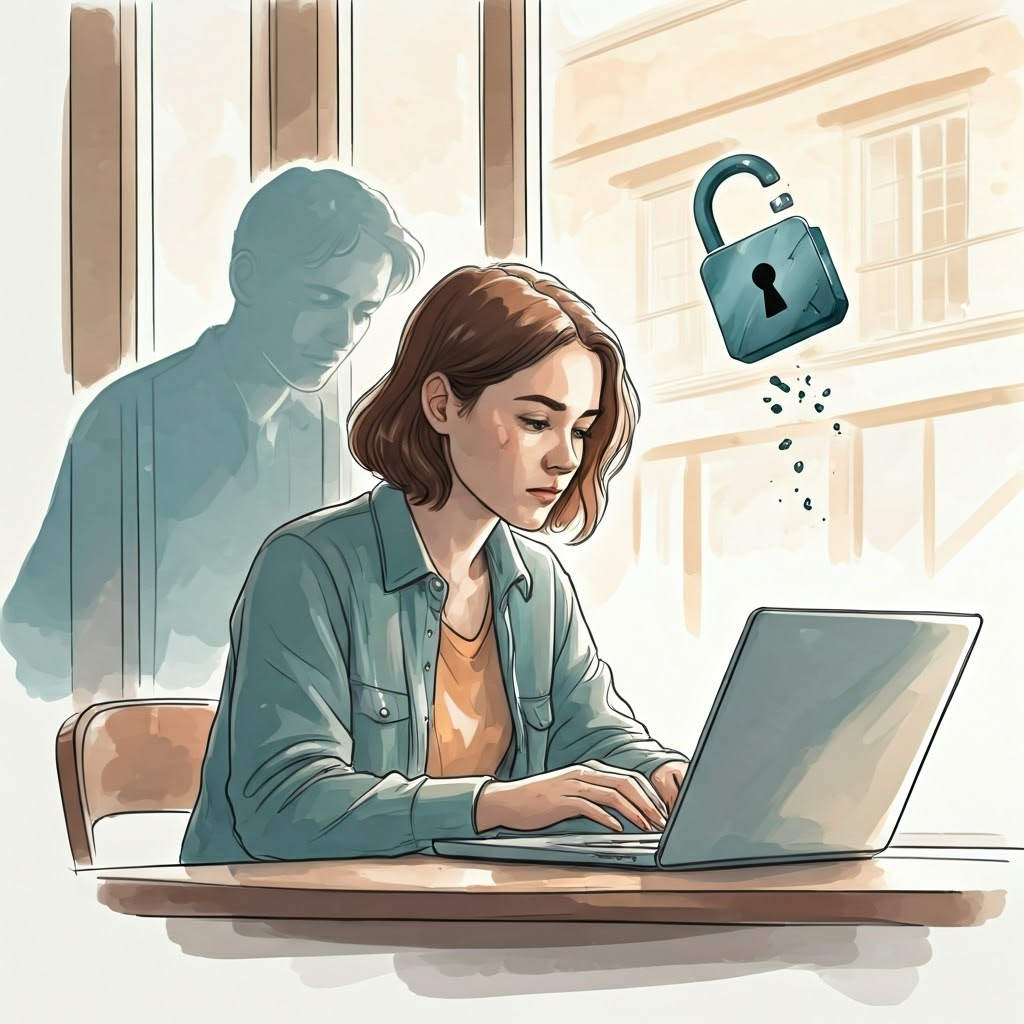
Why Your Security Matters (Even If You Think It Doesn’t)
You might wonder why personal security matters if you are not famous. Everyone stores valued memories, work files, or messages online. A criminal does not need to aim at you—an unlocked digital door is enough. Email access lets attackers reset banking, shopping, and social accounts in minutes.

Why Your Security Matters (Even If You Think It Doesn’t)
Most attacks feel like fishing nets cast wide, not sharp spears. Reused passwords or skipped updates invite trouble. Over 80 % of breaches involve weak or stolen credentials. Lock your digital life just as you lock your home. A hacker wants easy, low-effort wins.
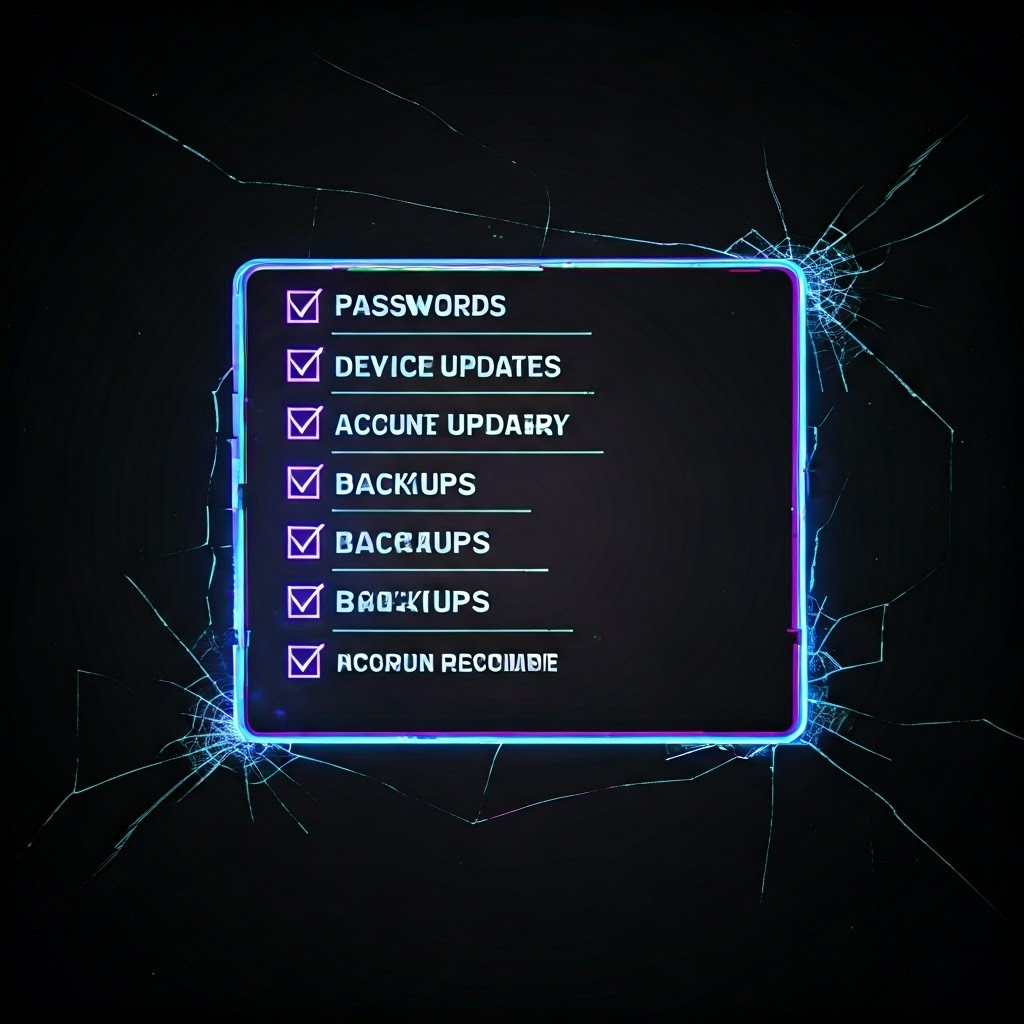
Spotting Your Weak Spots: The Security Baseline Checklist
Building a security baseline is like checking smoke alarms. Start with a simple list and rate yourself “Good,” “Could Do Better,” or “Help!” The goal is clear awareness without guilt.
- Passwords: Different strong ones for key accounts?
- Device Updates: Automatic and current?
- Account Recovery: Can you regain a locked email?
- Backups: Copies stored safely?
- Two-Factor Authentication: Enabled on vital accounts?

Patch Early, Patch Often: Keeping Your Stuff Updated
Updates close holes before criminals exploit them. Set devices to auto-update and add a monthly reminder for manual checks. Delay a day if needed, but never for weeks. The best routine is almost invisible—updates happen while you sip coffee.
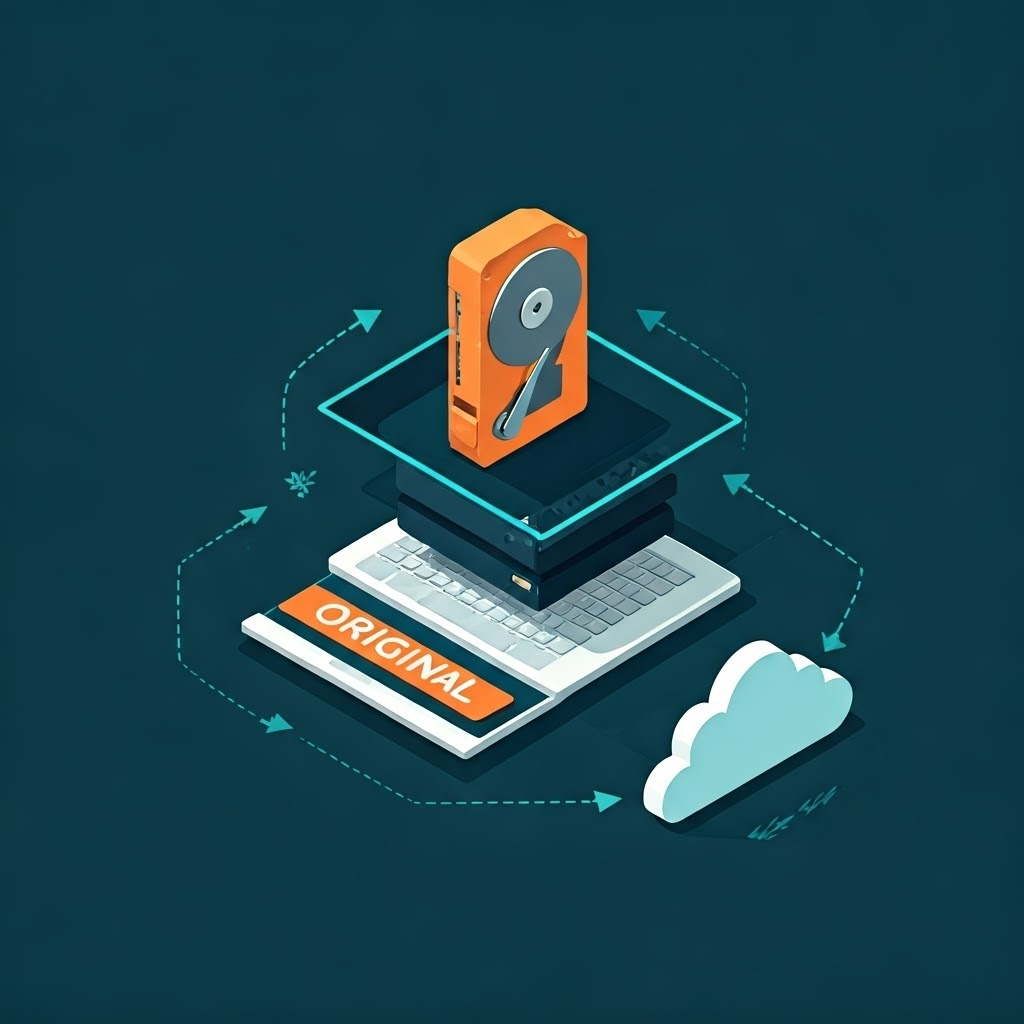
Backups That Work: The 3-2-1 Rule Made Simple
Backups feel dull until disaster strikes. Follow the 3-2-1 rule: three copies, two media types, one off-site. Cloud backups run automatically. Local drives give fast restores but need monthly plugs. After each backup, unplug and store the drive safely. This layered setup offers resilience.

Your First Threat Model: Who Wants What, and Why?
Threat modeling asks three questions: What do I have? Who might want it? How could they try? List assets like emails or photos, and adversaries from random hackers to nosy neighbors. Focus on likely risks—phishing, password leaks—and make yourself a harder target.

The First Step Is Always the Hardest—But It Gets Easier
Start with your biggest weak spot—maybe a reused password or missing backups. Fix one thing, then another. Security is like brushing teeth: small, regular actions prevent big problems. Soon, update alerts or scam emails lose their power because you have solid habits.
